Max-Q GPUs: Smarter Power for AI and Rendering
Blackwell GPUs changed what is possible in on-premise compute, but only if the system can actually be deployed. This article explains why Max-Q is the only viable way to run dense Blackwell workloads on standard 15A power.
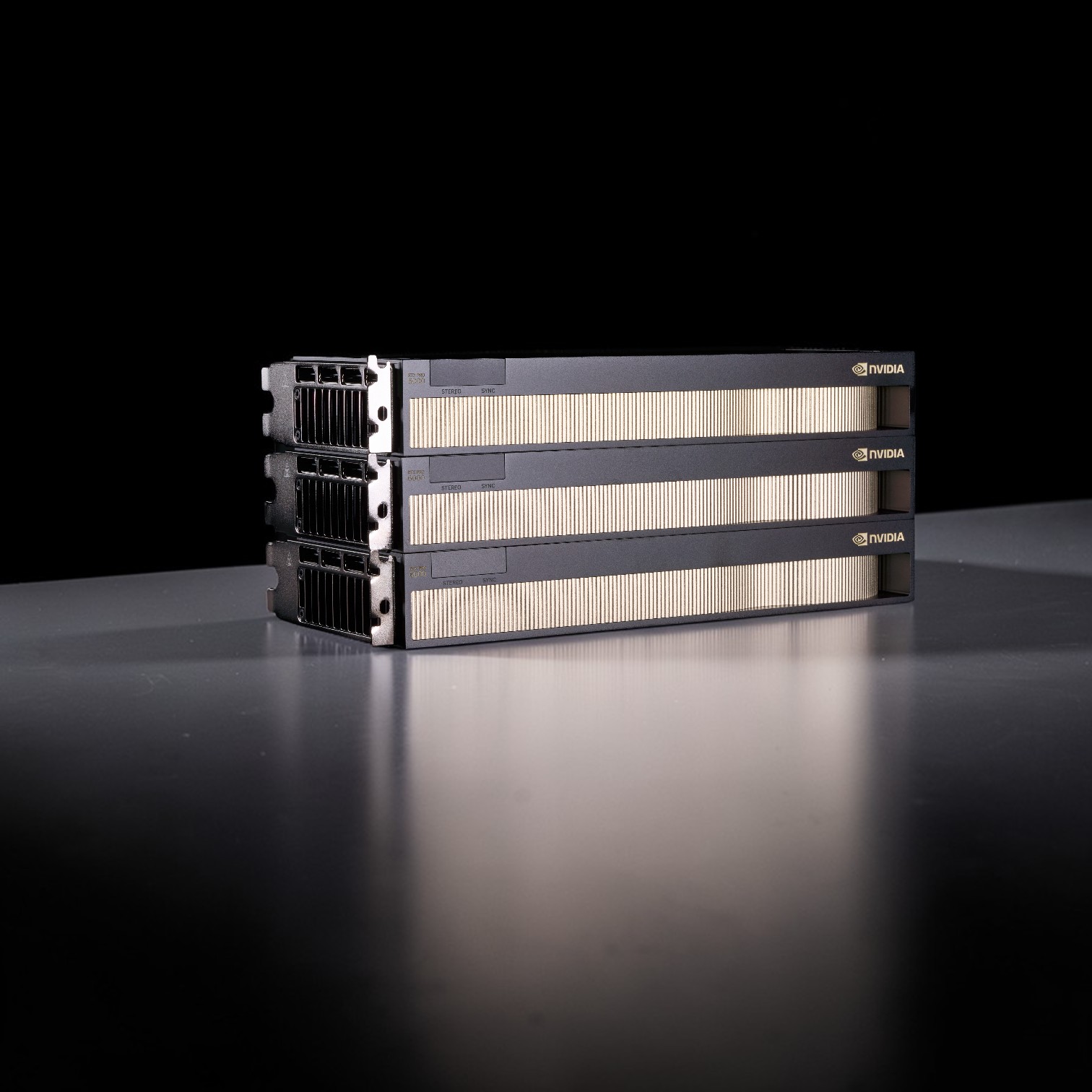
Why We Chose the "Slower" Card
At Skorppio, we build systems that solve problems rather than creating new ones. When NVIDIA launched the Blackwell architecture, we faced a critical decision for our flagship multi-GPU workstations. The market offered us two distinct paths: the 600W "Workstation Edition" and the 300W "Max-Q Edition." On a specification sheet, the 600W card looks like the obvious winner. It has higher clock speeds and higher raw throughput. However, we chose the "slower" card. For our core multi-GPU system built on the AMD Threadripper Pro 7000 WX-Series and the ASUS Pro WS WRX90E-SAGE SE platform, we exclusively deploy the RTX PRO 6000 Blackwell Max-Q. We made this choice not to cut costs, but to maximize density, stability, and total throughput within the physical constraints of a standard office environment. This post details the engineering logic behind why we sacrifice per-card speed to gain massive system-wide performance.
The 15-Amp Physics Problem
The primary constraint we engineer around is not silicon. It is electrical infrastructure. Most studios, research labs, and offices in North America rely on standard NEMA 5-15 outlets. These circuits deliver 120V at 15 amps, or 1,800 watts in theory. However, the National Electrical Code limits continuous loads to 80% of circuit capacity. For workloads such as overnight renders or multi-day AI training runs, that leaves a practical ceiling of roughly 1,440 watts. Now consider a three-GPU configuration using full-power cards. 3x RTX PRO 6000 Workstation Edition GPUs at 600W each consume 1,800W by themselves. A Threadripper Pro 7995WX can draw approximately 350W under sustained load. System overhead adds another 100W. Total draw exceeds 2,250W. This configuration will trip a standard breaker immediately under real load. Running it safely requires dedicated 20A circuits or 240V power, which introduces deployment friction, facility upgrades, and additional cost. Now consider the same system with Max-Q GPUs. 3x RTX PRO 6000 Max-Q GPUs at 300W each consume 900W. Adding the same CPU and system overhead results in approximately 1,350W total draw. This remains within continuous-load limits for standard 120V circuits. The result is a workstation with 288GB of total GPU memory capacity that plugs into the outlet already present in most offices.
Blackwell's Efficiency Curve Changes the Equation
A common assumption is that halving power halves performance. That assumption held more closely in prior architectures. Blackwell behaves differently. In both our internal testing and third-party benchmarks, Blackwell silicon reaches diminishing returns well below its maximum power envelope. The performance-per-watt curve flattens long before 600W, allowing the Max-Q variant to retain the majority of real-world throughput at half the power draw. This matters because professional workloads rarely operate at synthetic peak conditions. They operate under sustained, thermally constrained execution.
AI and Machine Learning Performance Characteristics
Inference workloads
Across transformer-heavy inference workloads, including large language models such as Mistral-Small-24B, reducing the power limit from 600W to 300W resulted in approximately a 10–15% reduction in tokens per second in our testing, consistent with third-party findings. This modest performance reduction is offset by dramatically improved efficiency and deployability.
Training workloads
For encoder-style training workloads such as BERT, the 600W variant delivers roughly 15–25% higher raw throughput depending on batch size and optimizer configuration. However, it consumes close to 90% more power to achieve that gain. On a performance-per-watt basis, the Max-Q variant provides close to 2x efficiency. For organizations running inference nodes continuously or operating on-premise clusters, this difference compounds into meaningful operational savings.
Rendering Performance at Scale
In rendering benchmarks using Blender 4.5.0 as a standardized reference workload, the RTX PRO 6000 Max-Q outperformed the previous-generation RTX 6000 Ada by approximately 30–50% depending on scene composition. Blender is used here as a convenient cross-platform benchmark rather than a proxy for Skorppio's primary customer workflows. When compared directly to the 600W Workstation Edition (see our full RTX 5090 vs RTX PRO 6000 Blackwell analysis), the Max-Q variant trails by approximately 8–12% per card in renderer-limited scenarios. This per-card delta is outweighed by system-level scaling. In multi-GPU engines such as Redshift, V-Ray, and Octane, three Max-Q GPUs at 900W total will consistently outperform two 600W GPUs at 1,200W total in aggregate throughput.
| Specification | RTX PRO 6000 Blackwell Max-Q | RTX PRO 6000 Blackwell Workstation |
|---|---|---|
| Total board power (TBP) | 300 W | 600 W |
| Peak FP32 throughput | ~110 TFLOPS | ~125 TFLOPS |
| Peak AI throughput | ~3511 AI TOPS | ~4000 AI TOPS |
| Performance per watt (derived) | ~11.7 TFLOPS per 100 W | ~5.2 TFLOPS per 100 W |
| Cooling architecture | Blower, rear I/O exhaust | Dual flow-through, chassis exhaust |
| 3-GPU system power (cards only) | 900 W | 1800 W |
| Max GPUs on 120V / 15A circuit | Three | Two or fewer |
| Primary deployment constraint | Thermal density | Electrical infrastructure |
Thermal Architecture Enables Density
Power is only half the equation. Heat removal determines whether performance is sustainable. The 600W Workstation Edition uses a flow-through cooling design that exhausts heat into the chassis. In dense multi-GPU configurations, this creates thermal stacking. Lower cards ingest pre-heated air from cards below them, increasing junction temperatures and triggering throttling. The Max-Q Edition uses a blower-style cooler that exhausts heat directly out of the rear I/O bracket. This isolates thermal domains between GPUs and enables stable three-GPU configurations on the WRX90 platform. Thermal isolation is not about acoustics. It is about deterministic performance under sustained load.
Accelerating Professional Workflows
AI and large language models
For AI workloads, memory capacity frequently matters more than peak clocks. A single RTX PRO 6000 provides 96GB of VRAM. A three-GPU Max-Q system—like our Ultra GPU Workstation—provides 288GB of total available GPU memory across the system. This capacity enables large models such as Grok-1 or Llama-3-405B to remain resident in GPU memory when sharded or parallelized, avoiding performance-killing CPU offload. While memory is not hardware-fused, effective VRAM capacity at the workload level increases dramatically. This configuration accelerates local fine-tuning and inference workflows without reliance on cloud provisioning. Our AI Fine-Tuning Kit is designed for exactly these use cases.
VFX and real-time graphics
Modern VFX pipelines scale efficiently across multiple GPUs. Three Max-Q cards deliver higher aggregate throughput than two full-power cards while remaining thermally stable. Large VRAM capacity enables uncompressed assets, dense geometry, and high-resolution textures to remain resident in memory. In Unreal Engine 5.5 workflows, this reduces paging when using Nanite and Lumen at production scales.
Software Ecosystem and Stability
The RTX PRO platform prioritizes stability and certification across professional software including Maya, Houdini, Nuke, and DaVinci Resolve. While alternative architectures and consumer GPUs may offer higher peak clocks, the Threadripper Pro plus RTX PRO Max-Q combination remains the most compatible solution across legacy x86 applications and modern CUDA-accelerated pipelines. Understanding how these components interact under sustained load requires systems-level testing. That testing is built into Skorppio's platform so clients do not need to discover failure modes mid-project.
Conclusion: Density Wins
The RTX PRO 6000 Workstation Edition is an impressive single-card solution when power and cooling are unconstrained. For professionals optimizing for real-world deployment, compute density, thermal determinism, and sustained throughput matter more. The RTX PRO 6000 Blackwell Max-Q enables:
- 288GB of total GPU memory capacity
- Higher aggregate multi-GPU throughput
- Stable thermals in dense configurations
- Compatibility with standard 120V office power High-performance computing is not about theoretical peak speed. It is about finishing every frame, every epoch, and every compile reliably, within the constraints of real infrastructure.
Ready to test the difference? Create a business account to explore Max-Q workstation configurations, or contact our team for workload-specific guidance.
Frequently Asked Questions
Does the 300W Max-Q power limit hurt AI performance? Not significantly. Our benchmarks show that reducing power by 50% results in only a 10–15% reduction in token generation speeds. Blackwell's efficiency at lower wattages preserves performance per watt. Why choose three Max-Q GPUs instead of fewer 600W cards? Maximum VRAM density. For LLMs and rendering, total memory capacity often beats raw clock speed. Three Max-Q cards provide 288GB of VRAM, allowing large models to remain GPU-resident. Can I run this multi-GPU system on a standard home outlet? Yes. A system with three full-power 600W cards would trip a standard 15A breaker. A 3x Max-Q configuration draws approximately 1350W, remaining within continuous load limits. Which drivers are recommended for stability? To avoid known black-screen regressions, we recommend Windows drivers 581.80 or 581.57. Linux users should use displaymodeselector to force compute-only mode if required. How does FP4 quantization improve performance? Blackwell's native FP4 support increases inference throughput and reduces memory usage by roughly 50%, enabling larger models at lower energy cost.
Sources
Performance Benchmarks (Max-Q vs Workstation & Power Efficiency): Puget Systems https://www.pugetsystems.com/labs/articles/nvidia-rtx-pro-6000-blackwell-max-q-vs-workstation-for-content-creation/ Boston Limited https://www.boston.co.uk/blog/2025/11/27/balancing-power-efficiency-and-price-in-next-gen-workstations.aspx GamersNexus https://gamersnexus.net/gpus/nvidia-rtx-pro-6000-blackwell-benchmarks-tear-down-thermals-gaming-llm-acoustic-tests ArXiv https://arxiv.org/html/2601.09527v1 Central Computers https://www.centralcomputer.com/blog/post/all-nvidia-rtx-pro-blackwell-gpus-explained Vast.ai https://vast.ai/article/which-nvidia-rtx-6000-is-right-for-you NVIDIA Developer Forums https://forums.developer.nvidia.com/t/580-105-08-redhat-9-6-rtx-pro-6000-workstation-no-devices-were-found/350930 NVIDIA Developer Forums https://forums.developer.nvidia.com/t/nvidia-rtx-6000-pro-blackwell-workstation-screens-keep-going-black/351107 VEGAS Creative Software https://www.vegascreativesoftware.info/us/forum/vegas-pro-21-rendering-fails-on-recent-nvidia-drivers-works-on-581-80--150504/ NVIDIA Docs https://docs.nvidia.com/datacenter/tesla/pdf/NVIDIA_Data_Center_GPU_Driver_Release_Notes_580_v4.0.pd
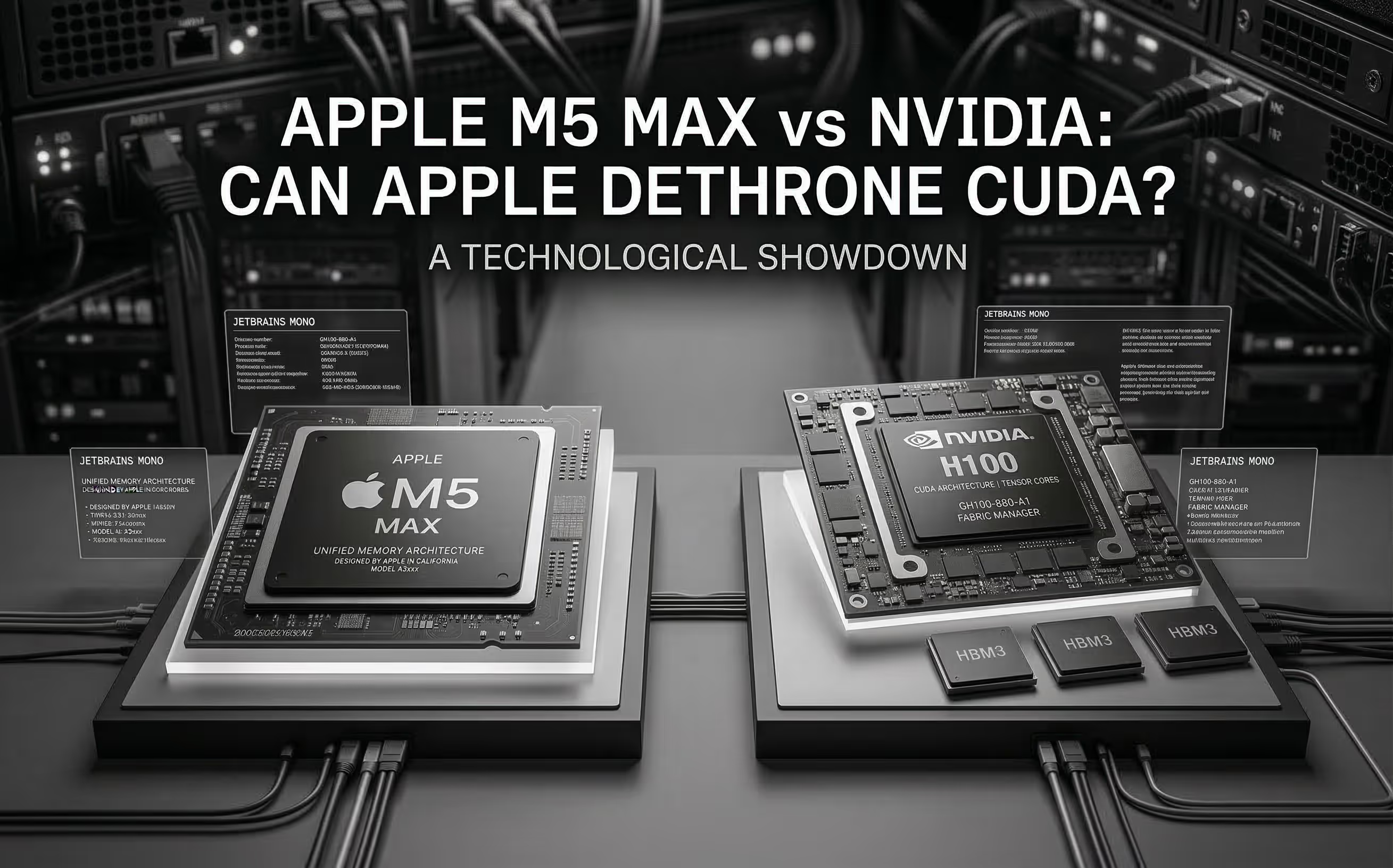
The M5 Max promises ~70 TFLOPS FP16 through dedicated Neural Accelerators and 128 GB unified memory at 614 GB/s. We analyze the architecture, benchmark Apple's claims, and compare head-to-head with NVIDIA for AI inference.
Cloud GPU pricing looks aggressive on paper. But hourly rates hide commitment traps, counterparty risk, and debt-funded subsidies that change the math entirely. Here is what your finance team should model before signing.
.jpg)
We pit the NVIDIA DGX Spark against the Mac Studio in a "Race to 1 Million Tokens." The results prove that in high-throughput agentic workflows, the most efficient machine is not the one with the lowest idle wattage—it's the one that finishes the job first.

