GPU & High-Performance Computer Rental Pricing
Flexible weekly rentals with transparent fixed rates. All-inclusive pricing with no hidden fees. Create a free account to access our self-service quote builder with real-time pricing for our entire inventory.
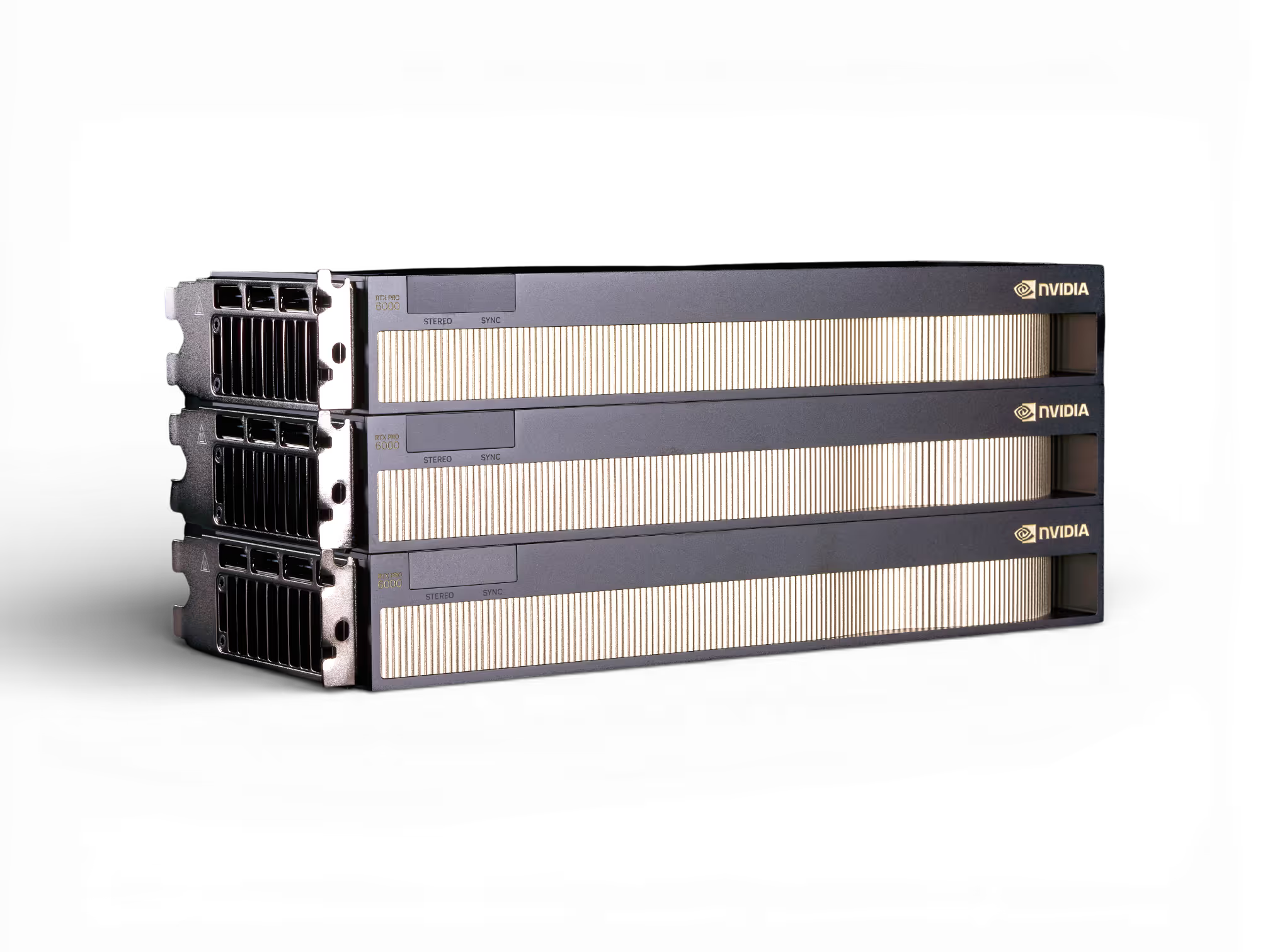
The Right Hardware
On Your Terms
Whether you need a week or a year, we have a plan built around your workflow.
Flex Rentals
Rent by the week or month with no long-term commitment.
hardware evaluations
Compute Subscriptions
Dedicated hardware at a locked-in rate.
Not sure how long TO RENT?
Start with a Flex Rental and upgrade to a Compute Subscription when you're ready — and lock in a better rate automatically.
Hardware RENTAL Pricing
Prices listed are base rates (4 week term) and are subject to change based on configuration, term length, and availability.
Create an account to access real-time pricing and instant quote generation.
Don’t see what you need?
Browse all GPU workstations, servers & laptops →Specs and starting rates for our most-requested GPU workstations, servers, and laptops — updated weekly.
Need a Custom Quote?
Every workload is different. Tell us what you need and our team will put together a quote tailored to your project.
Questions? Answers.
Frequently Asked Questions
How is Skorppio's rental pricing structured?
Our pricing is simple — rent for a longer duration and unlock better rates. The base rate is weekly, which is also the minimum rental duration. Monthly and multi-month rentals unlock exclusive tiered pricing benefits. Create a free account to see real-time pricing for any configuration in our catalog. No sales reps. No fax machines.
Are there any hidden fees beyond the listed price?
No. Skorppio pricing is transparent and all-inclusive. Shipping fees, applicable sales tax, and early termination fees may apply and are disclosed either prior to purchase on your quote or outlined in your rental agreement.
How do I get an exact quote for my configuration?
Create a free Skorppio account to access the self-service quote generator. No sales reps, no "schedule a call" — just instant pricing. We built Skorppio to modernize the cumbersome transactional process surrounding equipment rentals.
Do you offer volume or enterprise discounts?
Yes. Multi-system rentals, extended terms, and recurring contracts all qualify for volume pricing. Enterprise accounts receive dedicated account management, priority hardware allocation, and custom SLAs. Contact our sales team to discuss your requirements and we'll build a pricing structure that fits your scale.
What payment methods does Skorppio accept?
Available payment methods are listed in your customer account under the Billing & Payments section of the portal. Qualified accounts have access to credit card, direct bank transfer, and additional options — all powered by Stripe.

