The Idle Myth: Why the "Power-Hungry" DGX Spark Wins the TCO War
We pit the NVIDIA DGX Spark against the Mac Studio in a "Race to 1 Million Tokens." The results prove that in high-throughput agentic workflows, the most efficient machine is not the one with the lowest idle wattage—it's the one that finishes the job first.
The Idle Myth: Why the "Power-Hungry" DGX Spark Wins the TCO War
For the last two years, the narrative surrounding local AI hardware has been dominated by a single, misleading metric: Idle Power Consumption.
In this arena, the Apple Silicon Mac Studio has reigned supreme. It sips power like a hummingbird, convincing developers that "low wattage" is the only definition of efficiency. But if you are running a business, "idle" is not a metric—it is a waste.
There is a monster lurking in the enterprise desktop space that challenges the consumer definition of efficiency. Enter the NVIDIA DGX Spark.
In a rigorous "Race to 1,000,000 Tokens," this dedicated AI workstation didn't just beat the competition—it forced a re-evaluation of how we measure ROI in the age of autonomous agents.
If you are building the future of AI, you need to stop worrying about idle watts and start calculating Tokens Per Kilowatt-Hour.
The Hardware: A Data Center on Your Desk
To understand the Spark's value proposition, we must respect its architecture. This is not a consumer PC; it is a miniature version of the massive Blackwell architecture found in server farms, shrunken down to a portable form factor.
Technical Specifications (Skorppio Config)
- SoC: NVIDIA GB10 Grace Blackwell Superchip.
- CPU: 20-Core Arm64 (10x Cortex-X925 Performance + 10x Cortex-A725 Efficiency).
- GPU: Blackwell Architecture (5th Gen Tensor Cores, 4th Gen RT Cores).
- Memory: 128GB LPDDR5X Unified Memory (273 GB/s Bandwidth).
- Networking: Dual 200GbE QSFP56 (ConnectX-7) + 10GbE LAN.
The "Cloud Gap" Feature
Consumer hardware like the Mac Studio hits a hard ceiling. The Spark features RDMA (Remote Direct Memory Access) networking. This allows your engineering team to rent two units, daisy-chain them on a desktop via QSFP56 cables, and instantly create a 256GB Unified Memory pool without a complex switch.
You simply cannot do that with a Mac.
Engineer's Note: While the memory bandwidth (273 GB/s) is lower than an H100, the Unified Memory architecture allows the GPU to access the entire 128GB pool instantly. This machine is not for training 70B models from scratch; it is for inference, fine-tuning, and agentic workflows.
The Benchmark: The Race to 1 Million Tokens
We pitted the DGX Spark against the industry darlings to see which machine could generate one million tokens of text (using a quantized Qwen 4B model) the fastest. This simulates a real-world "Agentic Swarm" workload—high throughput, high concurrency.
The Results:
- Mac Studio (M3 Ultra): ~26 minutes
- AMD Strix Halo (Beelink): ~34 minutes
- NVIDIA DGX Spark: 6.7 minutes
The Spark averaged a blistering 2,451 tokens per second.
The Efficiency Paradox (TCO Analysis)
Here is where the data becomes counter-intuitive for the CFO.
- The Idle Trap: When doing nothing, the Mac draws 9 watts. The Spark draws 45 watts. If your engineers are paid to stare at a blank screen, the Mac wins.
- The Workload Reality: During the race, the Spark jumped to 143 watts. However, because it finished the job in 6.7 minutes (vs. 26 minutes for the Mac), the Total Energy Consumed to complete the project was actually lower on the Spark.
The Verdict: An industrial machine that completes a job instantly is "greener"—and more profitable—than a consumer appliance that runs slowly for hours. Time is the most expensive resource in your R&D lab, not electricity.
Internal Rivalry: Spark vs. Jetson Thor
Why rent a Spark instead of using a cheaper Jetson dev kit?
- Jetson Thor: Built for robotics. It prioritizes deterministic latency (safety first).
- DGX Spark: Built for Generative Agents. It prioritizes burst performance.
In our prefill (prompt processing) tests, the Spark clocked 2,817 tokens per second—nearly triple the Thor's 1,090 t/s. If your workflow involves RAG (Retrieval Augmented Generation), where the system must "read" massive documents before answering, the Spark is the only viable option.
Software is the Force Multiplier
The Spark's advantage isn't just silicon; it is the software stack.
Consumer Macs rely on LlamaCPP—a great library, but one designed for compatibility, not enterprise scale. (For GPU performance analysis in another AI framework, see our ComfyUI Performance Guide.) The DGX Spark thrives on vLLM, a high-performance library that manages memory and concurrency with data-center grade efficiency.
The "Multimodal" Stress Test
In a recent showcase, the Spark ran a "Multimodal Chatbot" comprised of four massive Docker containers simultaneously:
- GPT-OSS 120B (Language Model)
- Qwen 2.5VL (Vision)
- DeepSeek Coder 6.7b (Coding)
- Milvus (Vector Database)
Utilizing 126GB of its 128GB memory, the Spark maintained 94% GPU utilization, switching context between vision, coding, and chat agents instantly. A standard workstation card with significantly less VRAM, such as the RTX 6000 Ada Generation (48GB), would fail this specific multi-container test as the models would spill into system RAM, crushing performance.
Why Rent? The "Depreciation Curve" Argument
For a deeper analysis of rental economics, see our Rent vs Buy Decision Framework.
Many CTOs ask: "Why shouldn't I just buy these for $4,000?"
You can. But you are buying a depreciation anchor. The AI hardware cycle is currently moving at 9-month intervals. The moment the NVIDIA Rubin architecture drops, the value of a purchased Blackwell unit plummets.
The Skorppio Rental Advantage:
- OpEx vs. CapEx: Keep your capital liquid. Expense the rental as a project cost.
- Elasticity: Need 256GB VRAM for a specific training run? Rent a second unit for one month, link it via NVLink/Ethernet, and return it when the model is frozen.
- Zero Maintenance: If a unit fails, we swap it. You don't RMA; you keep coding.
Frequently Asked Questions (FAQ)
Q: Can I really cluster two Spark units together? A: Yes. The ConnectX-7 ports allow for high-speed interconnects. We can ship "Twin-Pack" rental kits pre-configured for clustered memory. We also offer an AI Fine-Tuning Kit for teams focused on LoRA and QLoRA workflows, giving you a unified 256GB addressable space.
Q: Is this louder than a Mac Studio? A: Yes, but not by much. The Spark utilizes a unique hard foam vent structure. Under load, it sits around 40 dBA—audible, but not disruptive in an office environment.
Q: Does it come with the NVIDIA AI Enterprise software stack? A: Yes. All Skorppio rentals come pre-imaged with DGX OS (Ubuntu-based) and the full NVIDIA container toolkit. You are docker run ready on day one.
Q: Can I use this for training 70B models? A: We recommend the Spark for Fine-Tuning (LoRA/QLoRA) and Inference. For full-scale pre-training of 70B+ models, please inquire about our specialized compute partners. The Spark is your local development bridge to those larger systems.
Conclusion: Don't Buy Depreciation. Rent Performance.
The DGX Spark is a specialized tool. If you need a silent desktop for email and occasional chat, get a Mac Studio.
But for B2B engineering teams building agentic workflows—where speed of reading (prefill) and the ability to handle concurrent agents (throughput) determines success—the DGX Spark offers a compelling value proposition. It provides the VRAM to load enterprise-grade models and the architectural speed to run them efficiently.
Equip your team with the correct tools.
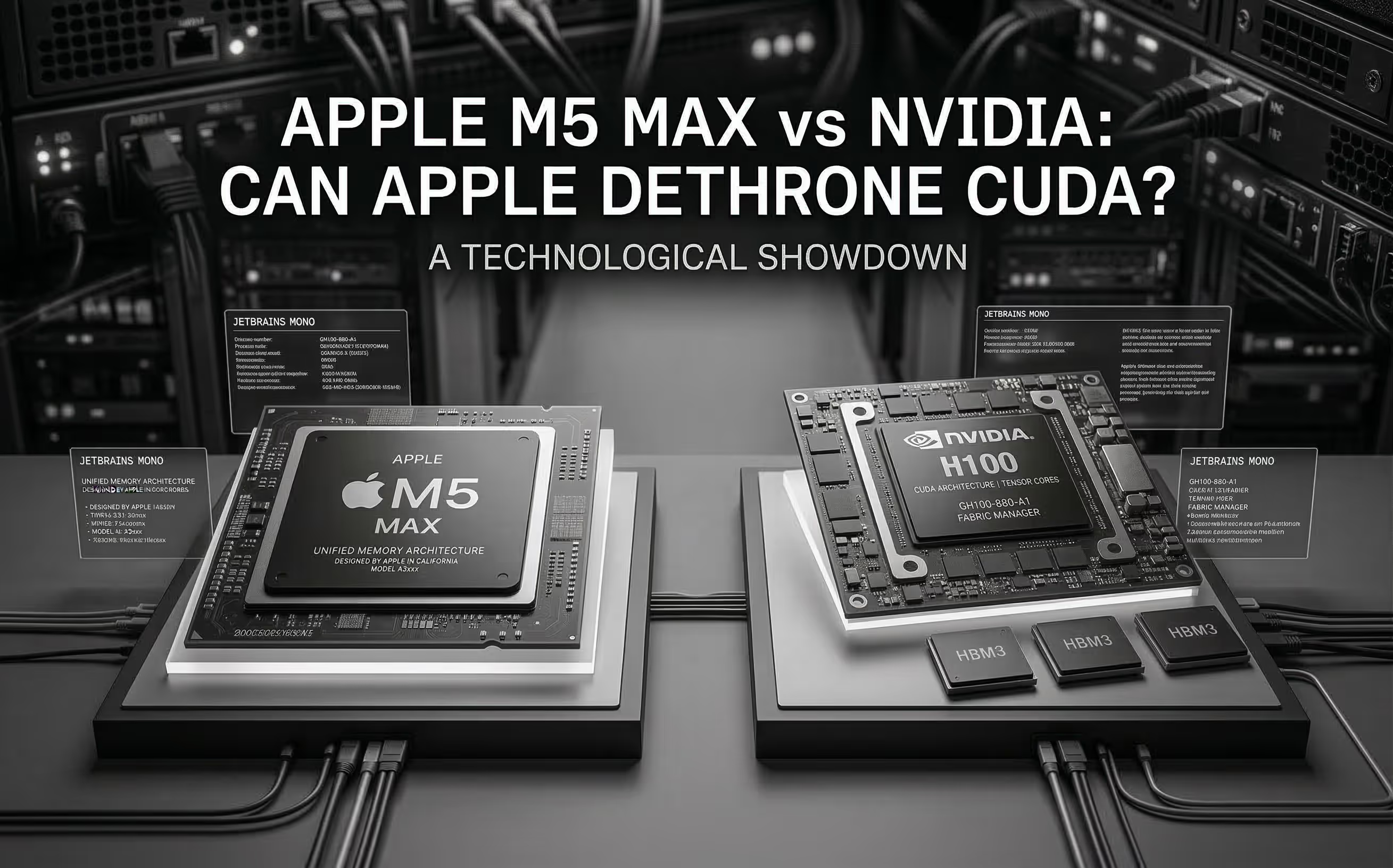
The M5 Max promises ~70 TFLOPS FP16 through dedicated Neural Accelerators and 128 GB unified memory at 614 GB/s. We analyze the architecture, benchmark Apple's claims, and compare head-to-head with NVIDIA for AI inference.
Cloud GPU pricing looks aggressive on paper. But hourly rates hide commitment traps, counterparty risk, and debt-funded subsidies that change the math entirely. Here is what your finance team should model before signing.