GPU Rendering Infrastructure for VFX, Post, and Virtual Production
Skorppio rents dedicated NVIDIA RTX PRO Blackwell GPU systems to VFX and post-production studios. Bare metal workstations and render nodes shipped to your facility, verified against your pipeline before they arrive. Flat weekly or monthly rates with no per-frame metering, no data transfer billing, and no licensing surcharges.
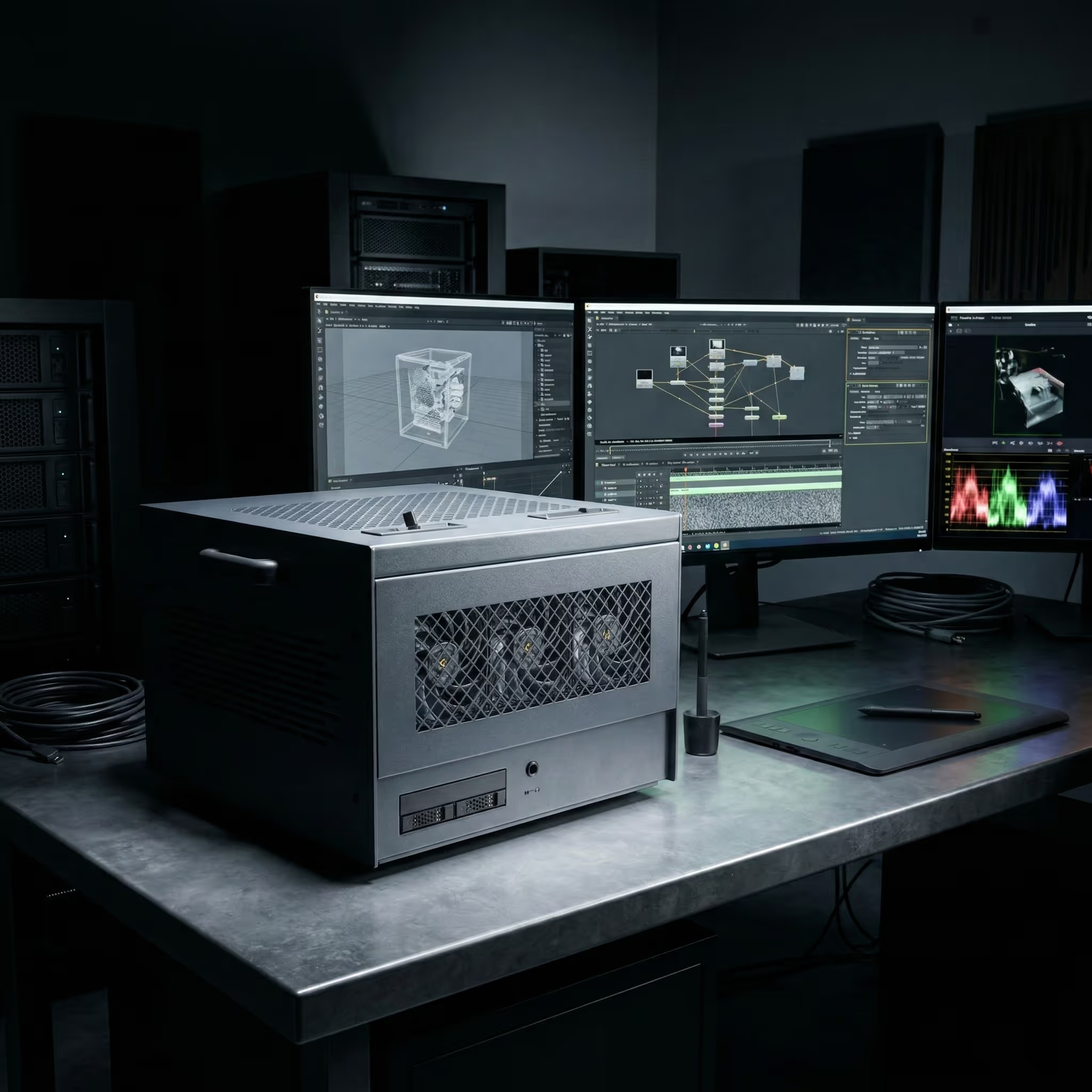
ACCESS TO ENTERPRISE HARDWARE
Skorppio systems run NVIDIA RTX PRO Blackwell GPUs, AMD Threadripper PRO and EPYC CPUs, ECC memory, and enterprise NVMe storage.


The Compute Problems That Cost You Shots, Days, and Margin
Whether the deliverable is 4K episodic or 12K cinematic, VFX and post-production pipelines hit the same hardware constraints. Cloud render farms solve some of them and introduce others. Consumer workstations hold up for previews and fail at sustained production loads.
Your Scene Doesn't Fit and Every Engine Punishes You Differently
When a scene exceeds GPU memory, each engine fails differently: Redshift can abort frames on volume-heavy shots, Octane slows by 10x or more, V-Ray falls back to CPU-based paging, and Karma XPU disables its GPU component entirely. Moving to cloud doesn't solve it. Most cloud rendering instances cap at 24 to 48 GB VRAM per GPU, and driver versions may lag behind the ISV-qualified builds your pipeline depends on. The scene you validated locally may not render the same way on a remote instance.
Cloud Rendering Costs Kill Iteration
Cloud rendering isn't just compute time. By the time you add per-worker licensing, per-terabyte egress, and storage retention that compounds across review cycles, an 8-GPU H100 node runs nearly $50 per hour on demand. Studios respond by rationing iteration: fewer lighting tests, skipped simulation passes, and work that ships good enough instead of right.
The Workstation That Falls Apart at Hour Twelve
DaVinci Resolve needs 24 GB or more of VRAM for 8K timelines. Nuke deep composites at 8K can consume 128 GB of system RAM. Houdini hero simulations start at 128 to 256 GB. Consumer GPUs throttle under sustained loads, NVMe drives used for both OS and cache hit thermal limits within minutes, and without ECC memory, 42% of memory errors produce no error signal. Corrupted frames pass render-time validation and only surface in review or delivery.
Buy Today, Obsolete Next Quarter
A studio that bought 24 GB GPUs for a 4K episodic show gets a 12K feature next quarter, and in GPU renderers like Redshift and Octane, those cards may not have the VRAM to complete the new scenes at all. GPU platforms shift quickly, VRAM expectations jump show to show, and retrofit costs for dense multi-GPU power and cooling can exceed the hardware price. Renting eliminates the bet entirely. Scale the configuration to the project, return it when the project wraps.
Stop sizing hardware for the last project. Rent the configuration that matches the current one.


COMPARED TO ALTERNATIVES
Dedicated bare metal outperforms metered cloud and avoids the capital risk of buying outright. Predictable cost, full data control, no shared tenancy.
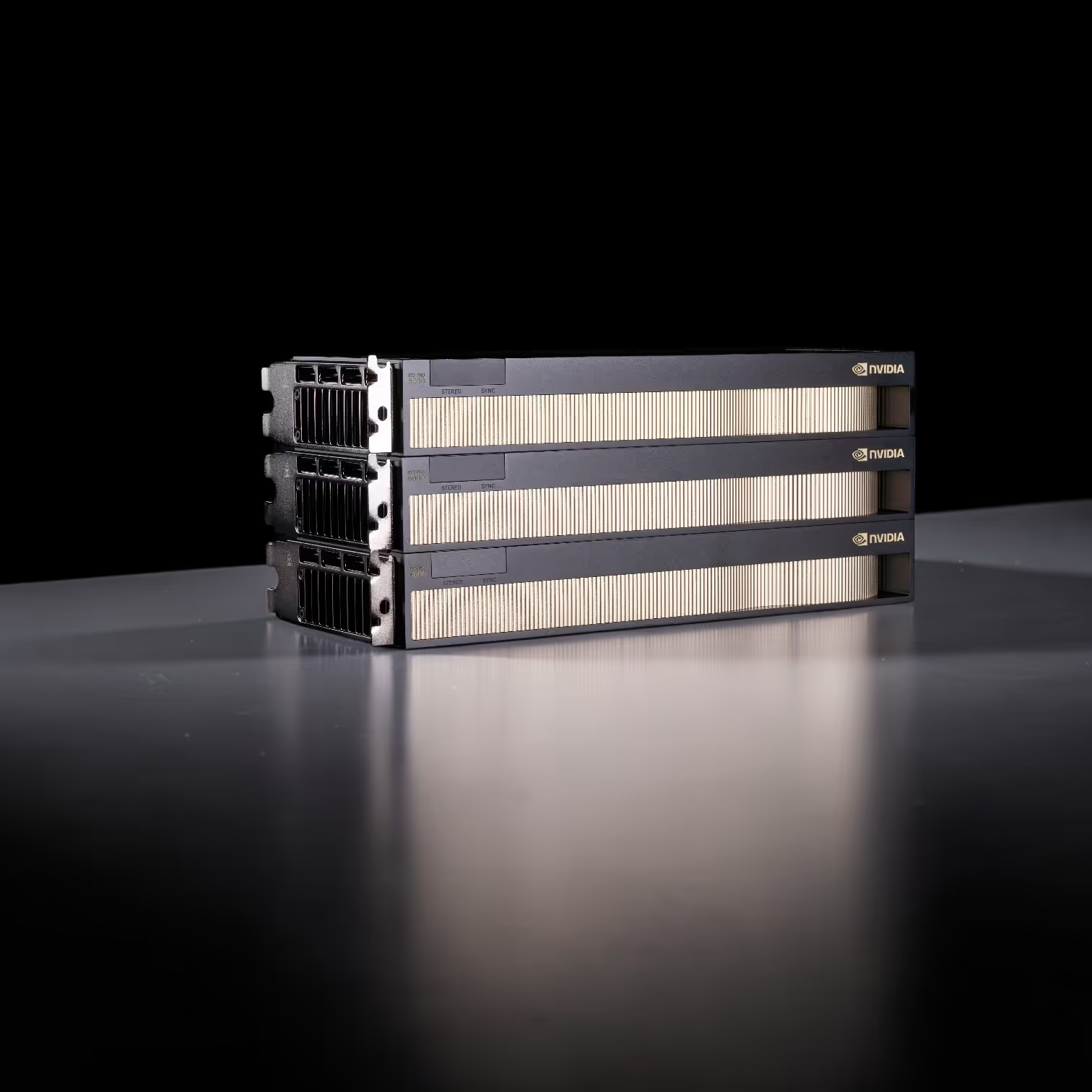
NVIDIA RTX PRO 6000 BLACKWELL 96GB GDDR7 VRAM PER GPU — ECC MEMORY — VALIDATED PCIe GEN5 MULTI-GPU TOPOLOGY — Hardware that keeps your scene resident on GPU and eliminates the render-engine workarounds that cost you frames.
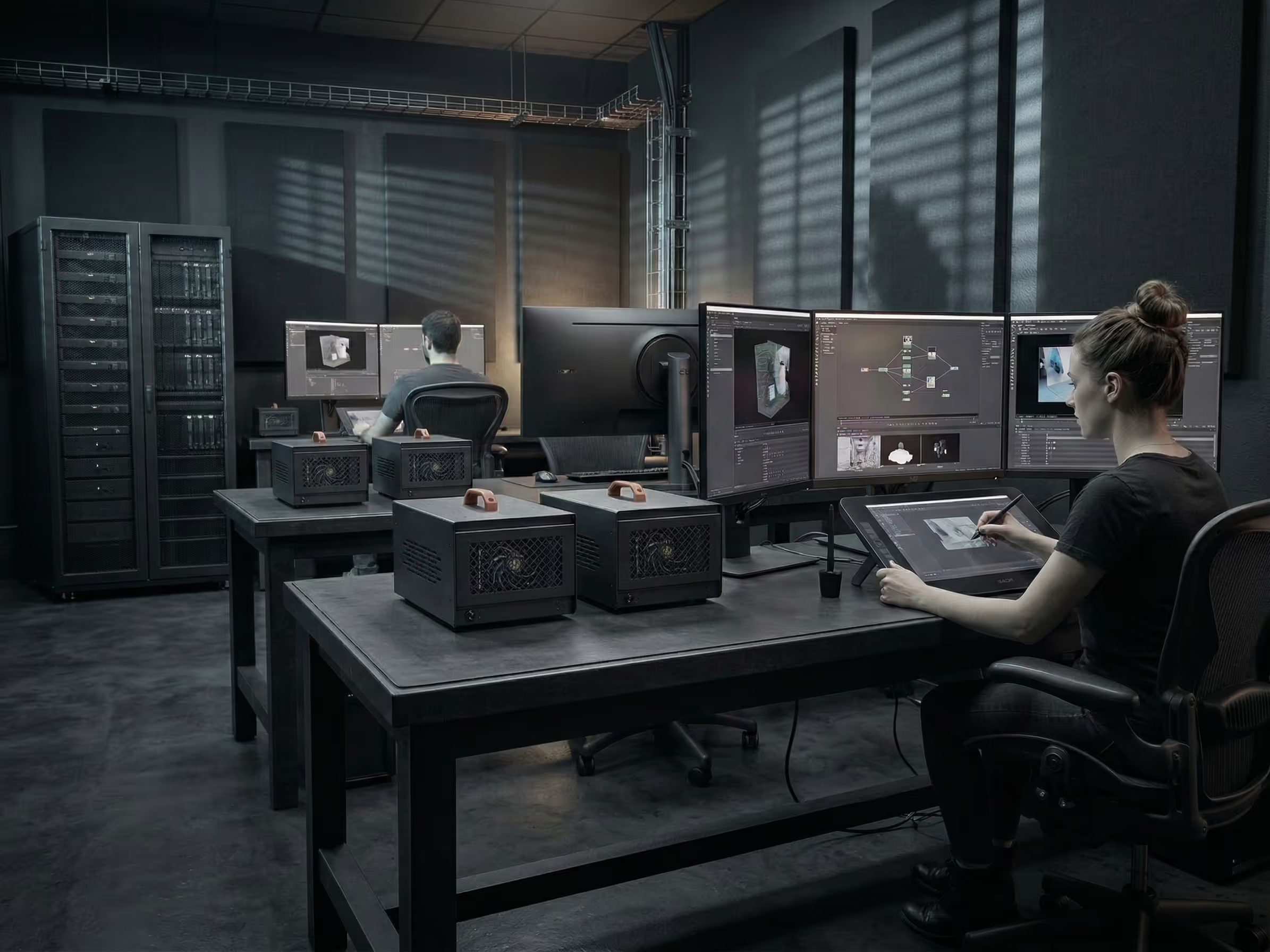
ARTIST WORKSTATION 2x RTX PRO 6000 — 192GB TOTAL VRAM — 256GB DDR5 ECC — DEDICATED NVMe FOR SCRATCH AND CACHE — Built for sustained operation, not burst-rated consumer hardware repurposed for production.
On-Prem Compute Configured for How VFX Actually Gets Made
Dedicated bare metal with enterprise GPUs, flat-rate pricing, and full root access. No per-frame metering, no shared tenancy, no cloud dependency. Your data stays on your premises, on your network. Rent the configuration that matches the project and return it when the project wraps.


SKORPPIO SYSTEM SPECS What's Inside
Systems Configured for VFX Production Workflows
Each configuration is validated on production workloads across Redshift, Octane, V-Ray GPU, Karma XPU, Arnold, Nuke, After Effects, Houdini, and DaVinci Resolve. Select a system that fits your stage of production.

Server-class GPU density without a server room. Eight RTX PRO 6000 Max-Q GPUs deliver 768GB of total ECC VRAM on a single AMD EPYC 9755 128-core platform — all running on standard 120V office power across three 15A circuits. Ultra-quiet acoustic design means this sits next to your team, not in a datacenter. Built by Renderboxes as the Molecule platform.
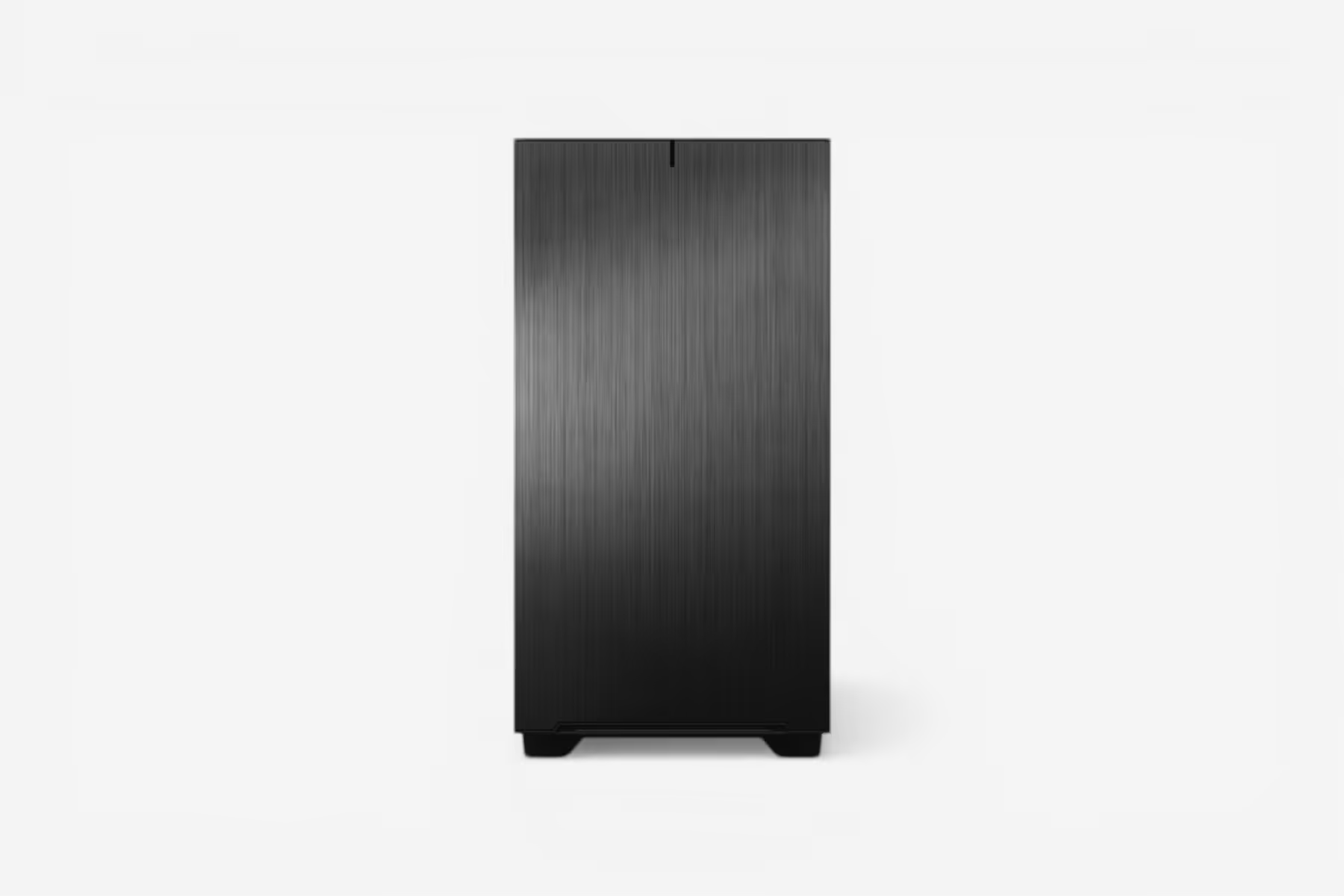
The HEDT crossover desktop, bridging consumer and workstation-class performance. Built on AMD's TRX50 platform with the Threadripper 9970X 32-core/64-thread processor, 128GB DDR5 registered ECC memory (4×32GB), 8TB NVMe Gen5 storage (2× 4TB M.2, peak 14,100 MB/s), and RTX 5090 32GB GDDR7 graphics. Features 10G + 2.5G networking with WiFi 7 and optional Intel E810 25G/100G SFP28 expansion via PCIe. Onboard Realtek ALC4080 HD Audio. GIGABYTE TRX50 AERO D motherboard in a CEB full tower chassis. Designed for multi-threaded creative production, simulation, AI training, and workflows that demand more cores and memory bandwidth than consumer Ryzen.
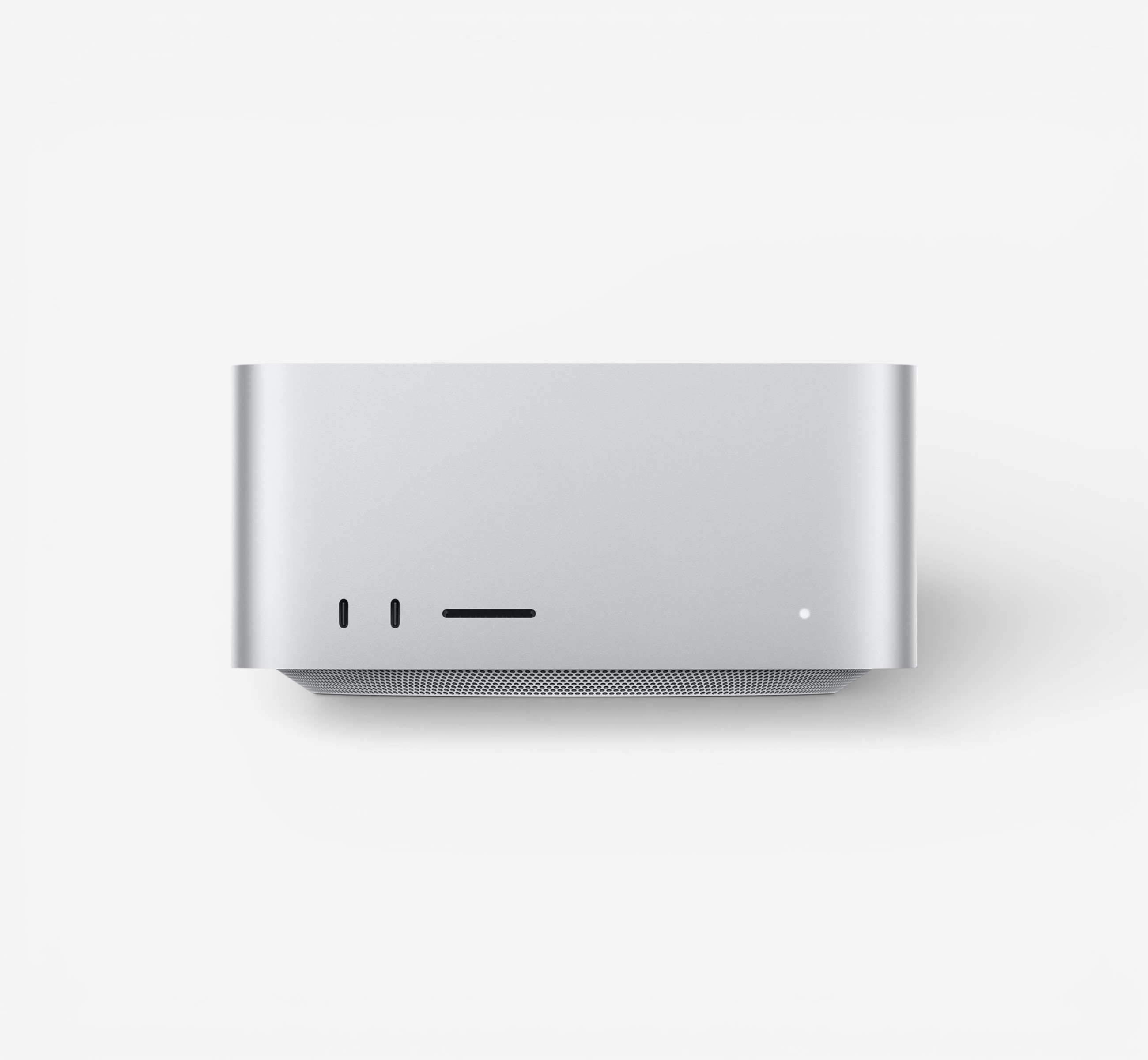


.jpg)

.jpg)
QUESTIONS? WE HAVE ANSWERS.
Frequently Asked Questions
Can I run my existing VFX pipeline on Skorppio rental hardware without modification?
Yes. Skorppio systems ship as dedicated bare metal with full administrator access. You install your own render engine, compositing software, and pipeline tools exactly as you would on hardware you own. Houdini, Nuke, Maya, Blender, DaVinci Resolve, After Effects — whatever your pipeline requires runs natively. Every system comes with NVIDIA drivers pre-installed and verified against the GPU configuration, so CUDA, OptiX, and GPU-accelerated rendering work out of the box. There are no virtualization layers, no locked-down environments, and no licensing restrictions imposed by Skorppio.
How much VRAM do I need for GPU-accelerated VFX rendering?
It depends on scene complexity and your render engine. GPU renderers like Redshift, Octane, and V-Ray GPU load the entire scene into VRAM — geometry, textures, displacement maps, volumes, and the BVH acceleration structure all need to fit. A typical episodic VFX shot might require 16 to 24 GB. Feature-film complexity with high-resolution textures, dense particle systems, and volumetric effects can push past 48 GB per GPU. When a scene exceeds available VRAM, the render engine falls back to out-of-core rendering or device fallback, which dramatically slows render times. Skorppio workstations offer up to 96 GB of VRAM per GPU on NVIDIA RTX PRO Blackwell cards, keeping significantly more of your scene resident on GPU and reducing the performance penalties that come with memory spilling.
Why does ECC memory matter for VFX rendering and compositing?
Without ECC memory, silent bit errors are a known risk — corrupted frames that pass render-time validation and only surface in review or delivery. In a VFX pipeline where a single shot may render for hours and move through multiple review cycles, a bit flip in system memory can produce subtle color shifts, geometry artifacts, or texture corruption that is invisible at render time but visible on a calibrated review display. ECC (Error-Correcting Code) memory detects and corrects single-bit errors in real time, eliminating this category of failure entirely. Every Skorppio system ships with ECC memory as standard — it is not an upgrade or an option. For studios delivering to broadcast, theatrical, or streaming clients where a corrupted frame means re-rendering and missed deadlines, ECC is not optional.
How does renting render hardware compare to using a cloud render farm?
Cloud render farms bill per frame or per compute-hour, with additional charges for data transfer, storage, and application licensing. By the time you factor in egress fees on multi-terabyte VFX datasets and per-worker licensing for tools like Houdini or Nuke, the effective cost of cloud rendering can be two to three times the listed compute rate. Skorppio rental hardware ships to your facility at a flat weekly or monthly rate — no per-frame metering, no egress fees, no licensing surcharges. Your data stays on your network, render times are consistent because there is no shared tenancy, and you can render around the clock without watching a billing meter. For studios running sustained rendering workloads across episodic or feature production, dedicated rental hardware consistently delivers lower total cost and more predictable scheduling than cloud alternatives.
Can I scale up GPU hardware for a production and return it when the project wraps?
Yes — that is exactly how Skorppio rentals are designed to work. VFX productions have defined timelines, and hardware needs change between pre-production, principal photography, and post. You can rent additional render nodes or upgrade GPU configurations for heavy rendering phases, then scale back or return hardware when the project delivers. There are no long-term contracts, no depreciation to manage, and no surplus hardware sitting idle between shows. Renting eliminates the capital bet on next quarter’s project — you match the hardware to the workload, not the other way around.