RENT GPU Compute for AI Fine-Tuning, Inference, and RAG
Skorppio rents dedicated NVIDIA RTX PRO Blackwell GPU systems to AI and ML teams. Bare metal workstations and servers shipped to your premises, not cloud instances. Workstations support up to 4 GPUs with 384 GB aggregate VRAM. EPYC servers scale to 8 GPUs with 768 GB. Standard configurations are configured and shipped as quickly as possible on flat weekly or monthly terms. No per-hour metering, no shared tenancy, no data leaving your network.
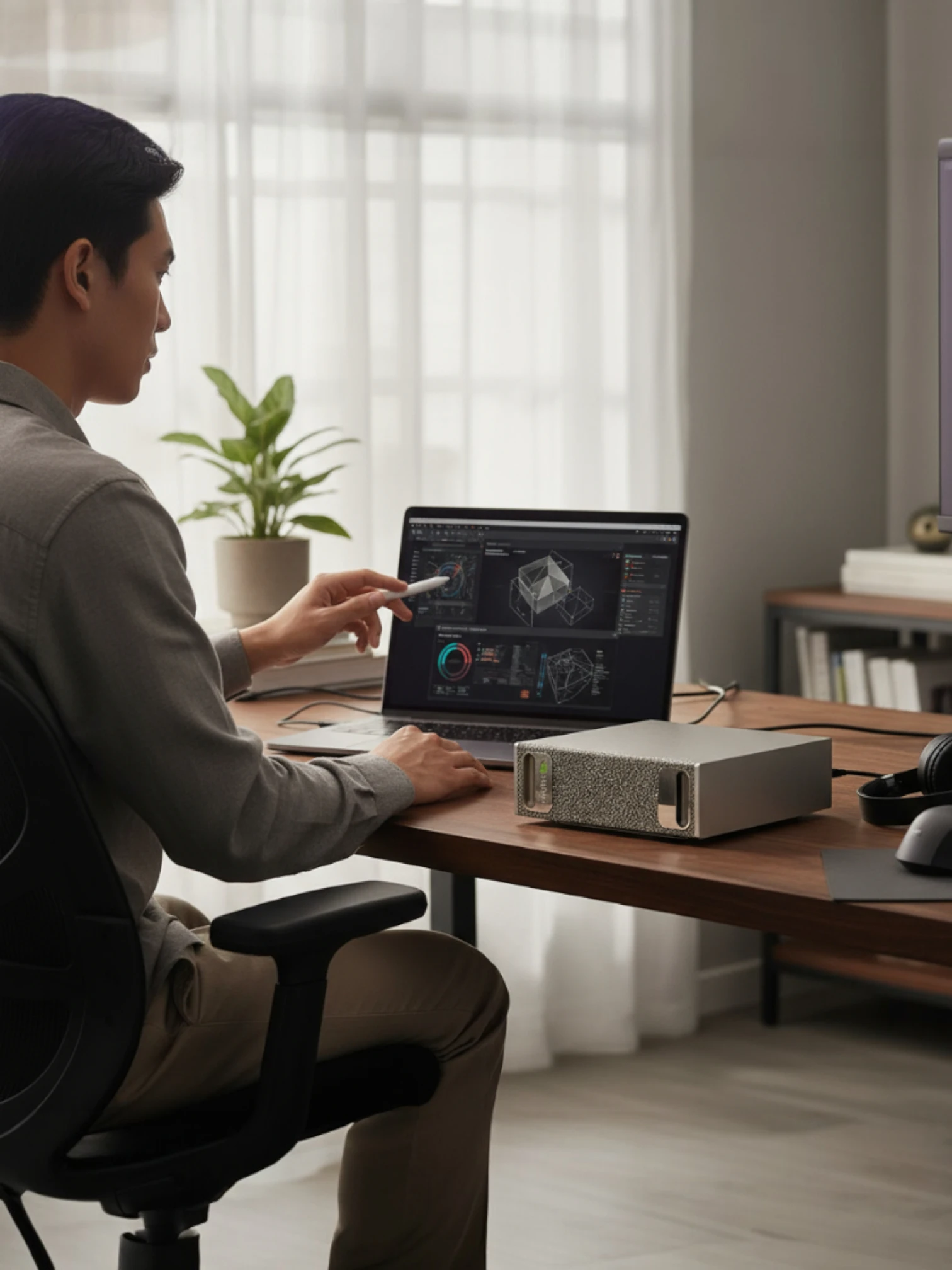
ACCESS TO ENTERPRISE HARDWARE
Skorppio's built on NVIDIA Blackwell GPU's, AMD CPU's, and enterprise memory and storage.


Your Model Hits VRAM Walls, Then Everything Slows Down
Quantized weights, smaller batches, checkpointing, and runs that drag. When hardware can’t keep up, every stage of the pipeline pays. Fast local NVMe and large system RAM keep GPUs fed during training and embedding builds, but only if the system is built for sustained throughput.
The Model Doesn't
Fit in Memory
VRAM ceilings force quantization, smaller batches, and shorter context. Rent 96GB-class multi-GPU bare metal so models, KV cache, and working sets fit without redesign.
Iteration Cycles
Get Too Slow
Slow runs kill sweeps, ablations, and eval loops. Rent higher-throughput GPUs and more GPUs per node to compress wall-clock time.
CLOUD Compute Punishes Experimentation
Per-hour billing changes what you test and what you skip. Flat weekly or monthly rentals let you run long jobs and repeated evals without metering anxiety.
Multi-GPU Scale Becomes Fragile
Past one GPU, scaling becomes topology- and comms-bound, and stability regresses. Rent validated multi-GPU nodes with the PCIe topology, power, cooling, and RAM headroom to keep distributed runs stable.
Stop redesigning the workload.
Rent the compute that matches the model.
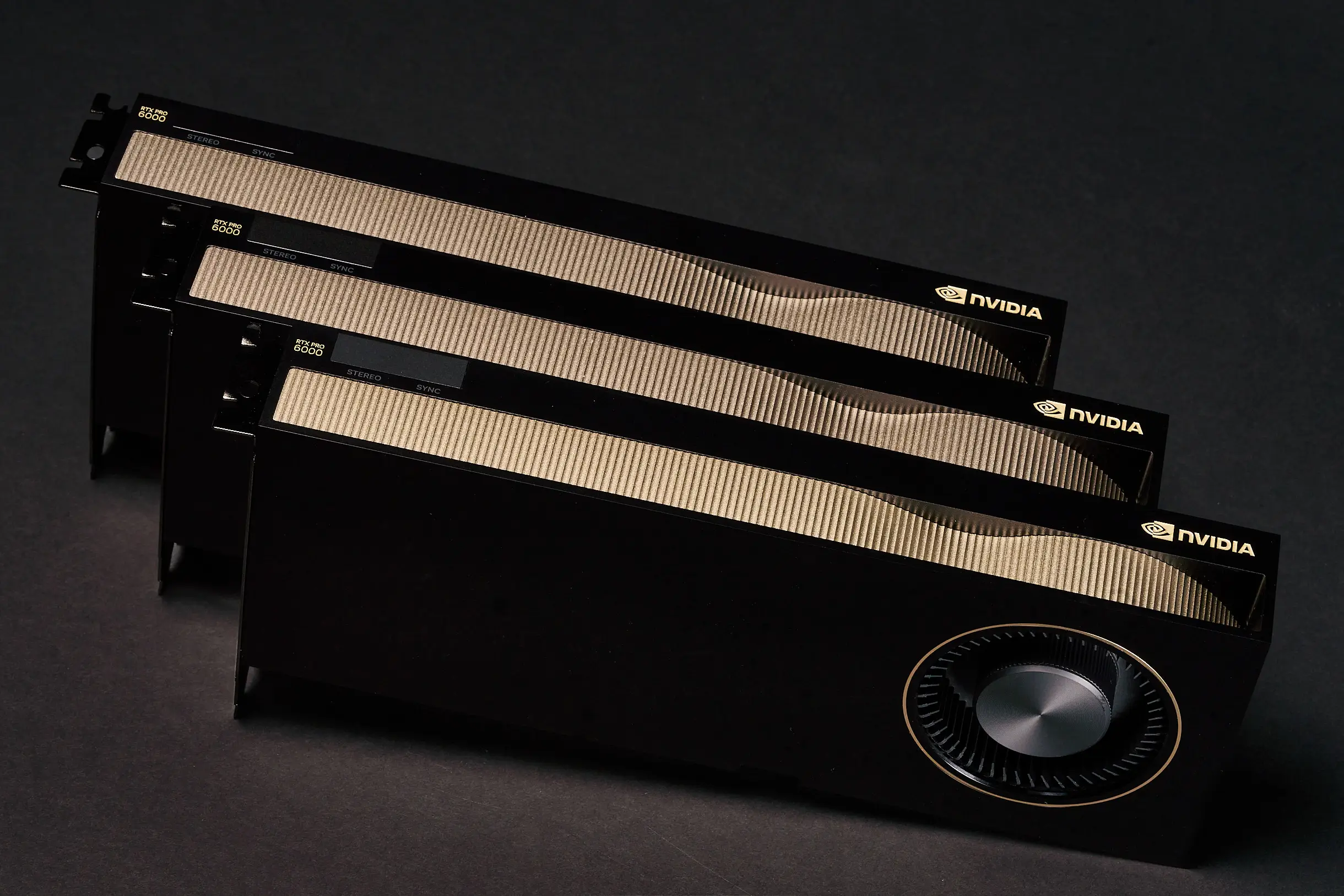
NVIDIA RTX 6000 PRO MAXQ 96GB VRAM 300W TDP for mgpu architecture
This is the hardware your models were designed for.
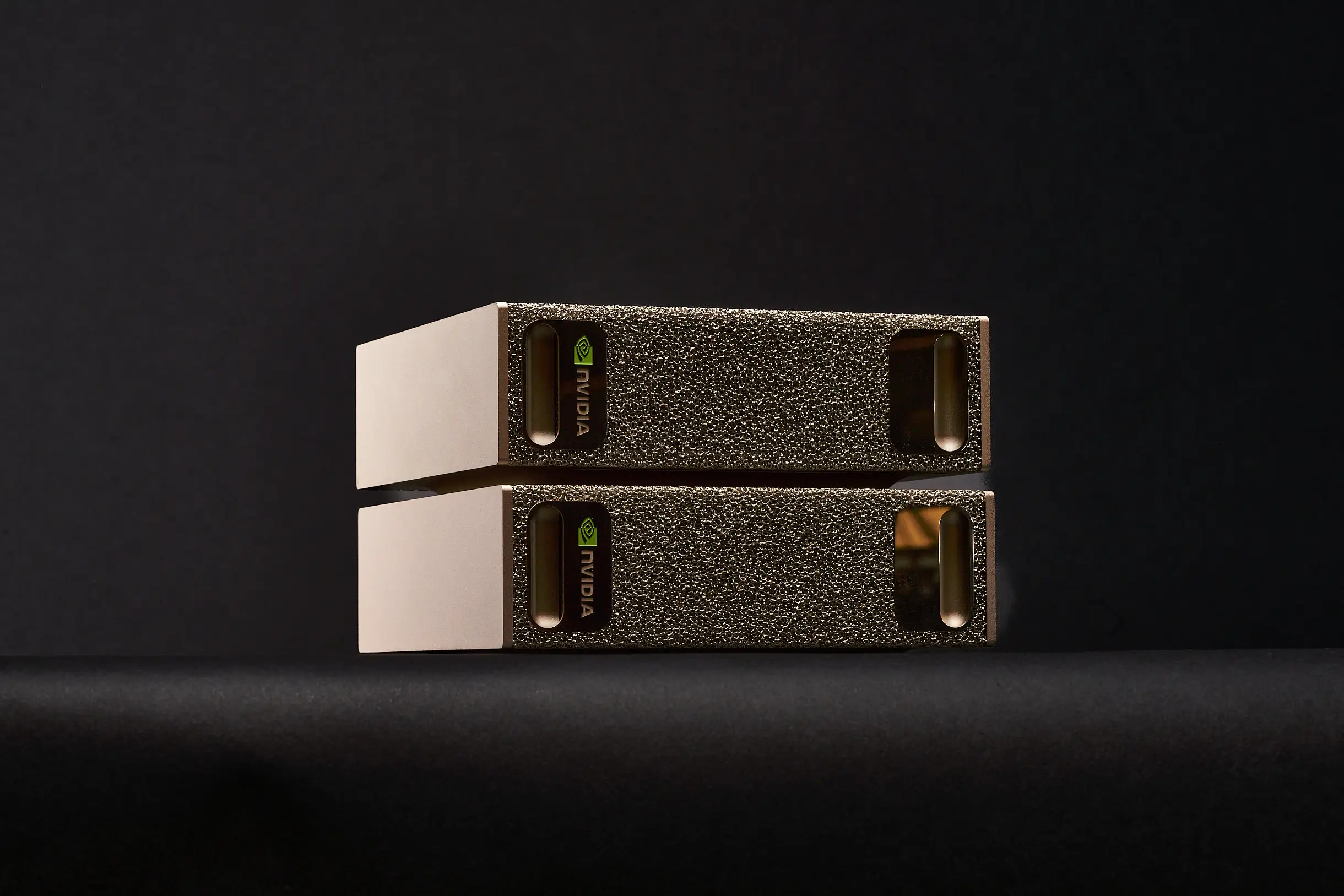
NVIDIA DGX SPARK 128GB UNIFIED MEMORY + UP TO 1 petaFLOP
oF AI performance at FP4 precision
Built for the Workloads Cloud Wasn't Designed to Sustain
Dedicated bare metal with validated multi-GPU topologies, flat-rate pricing, and full root access. No metering, no virtualization, no data leaving your network.
SKORPPIO SYSTEM SPECS What's inside
Every spec anchored to manufacturer data.


COMPARED TO
THE CLOUD
Dedicated bare metal outperforms metered cloud instances for sustained AI workloads — with predictable cost, full data control, and no shared tenancy.

HOW MUCH VRAM DOES YOUR LLM NEED?

Explore Our Recommended Systems
Preconfigured for GPU-accelerated training, tuning, and inference.

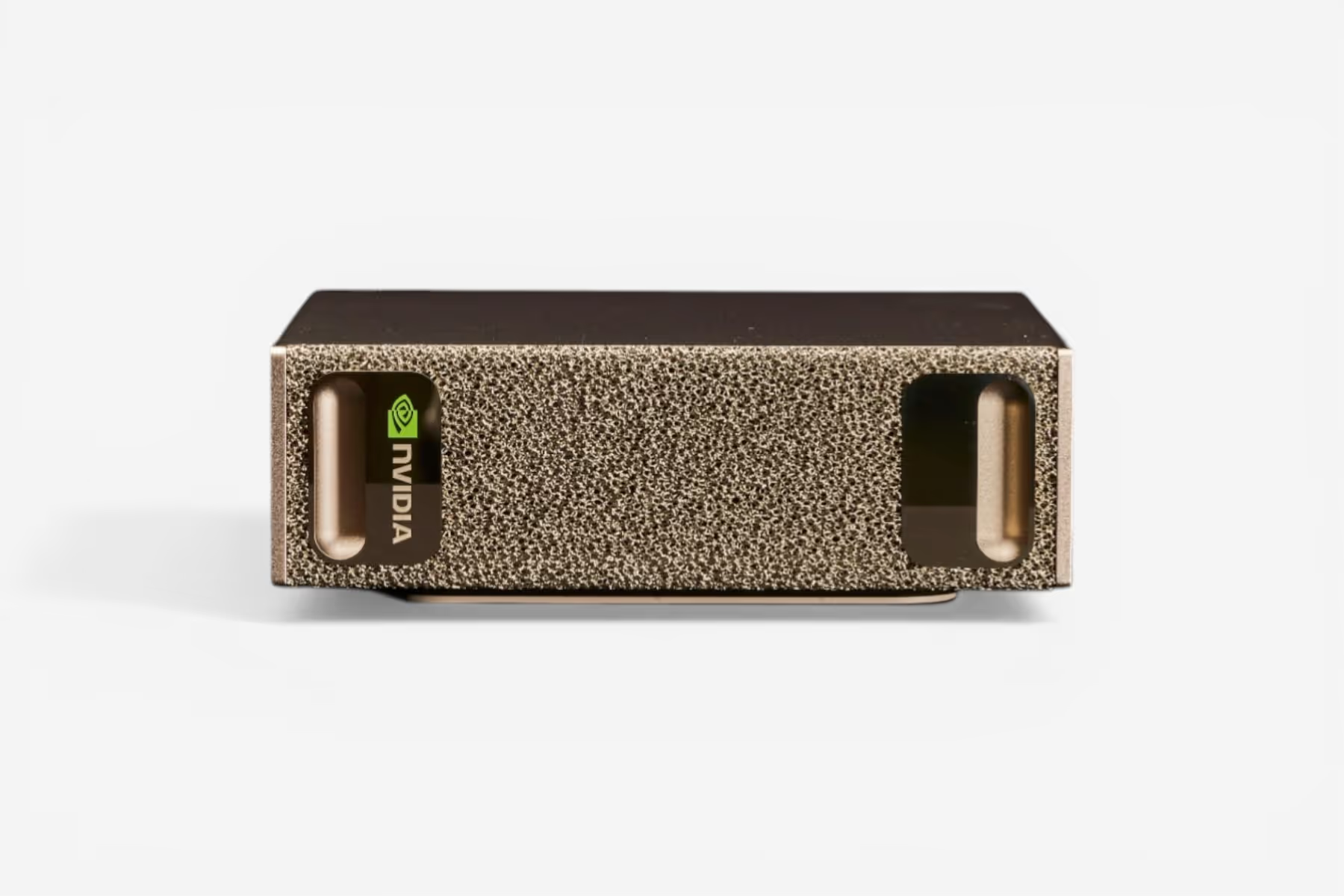
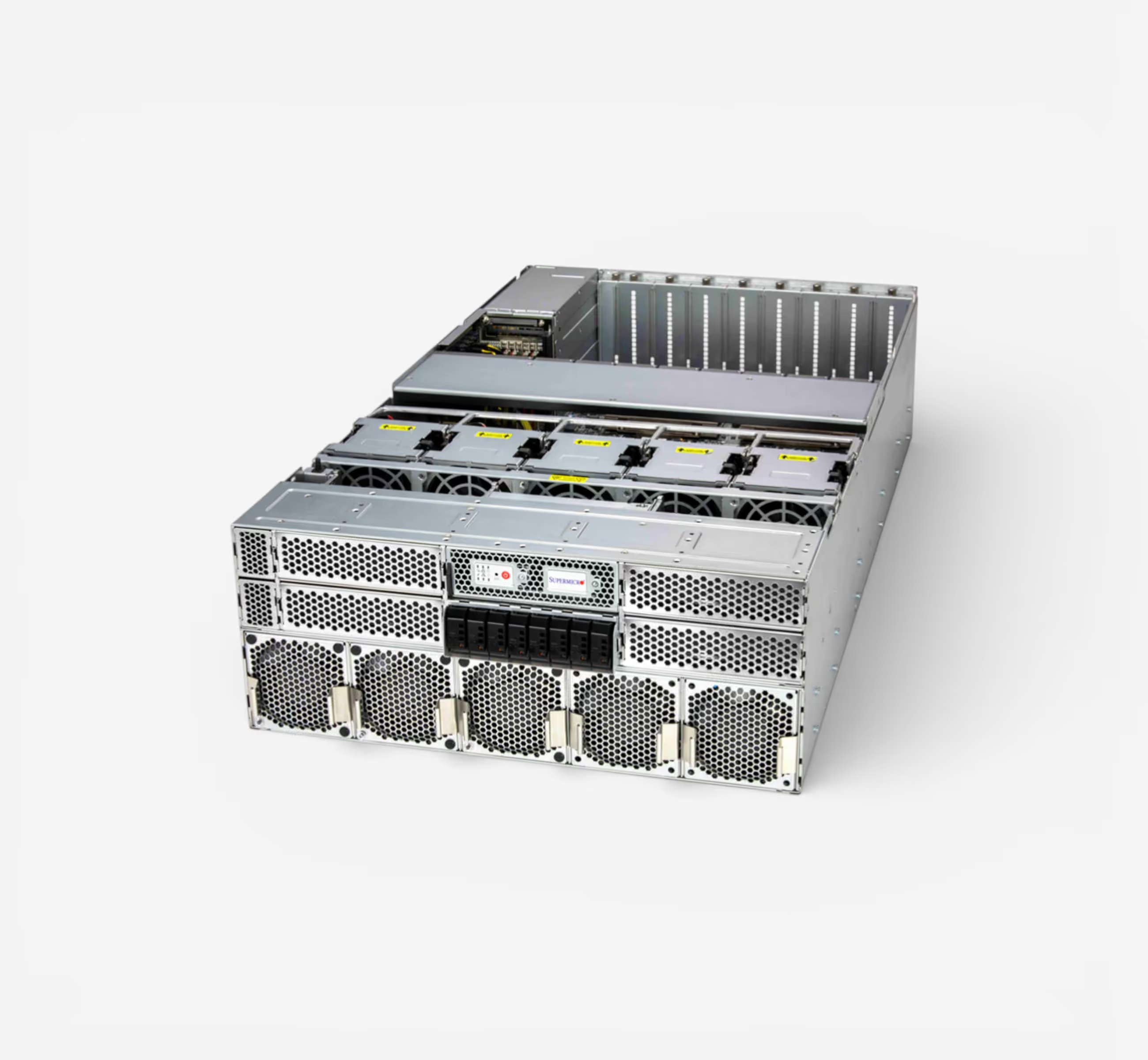
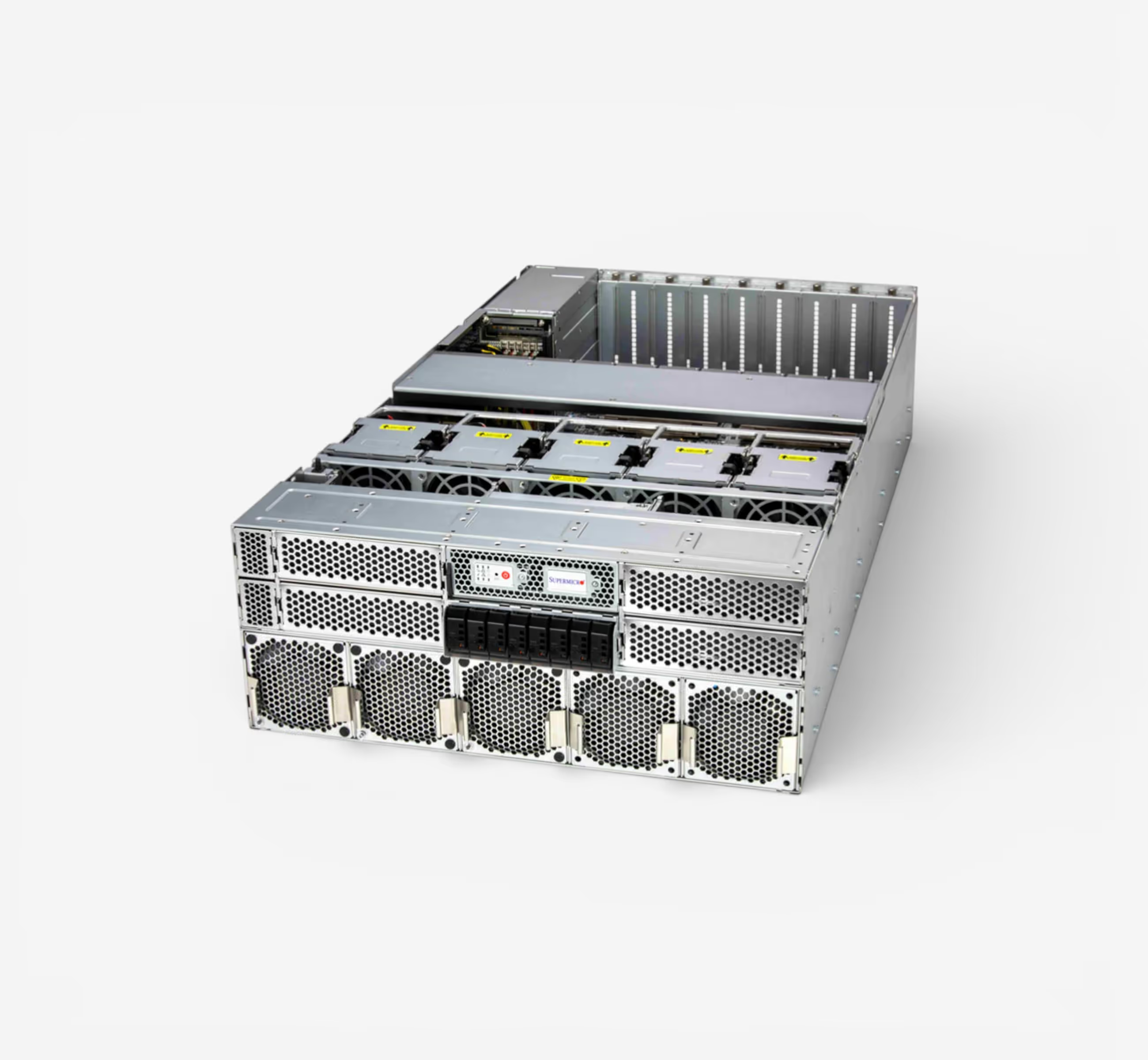
Server-class GPU density without a server room. Eight RTX PRO 6000 Max-Q GPUs deliver 768GB of total ECC VRAM on a single AMD EPYC 9755 128-core platform — all running on standard 120V office power across three 15A circuits. Ultra-quiet acoustic design means this sits next to your team, not in a datacenter. Built by Renderboxes as the Molecule platform.
.jpg)

.jpg)
YOURE QUESTIONS ANSWERED
Frequently Asked Questions
How much VRAM do I need to fine-tune a large language model?
The amount of VRAM you need depends on the model size, precision format, and fine-tuning method. Full fine-tuning of a 70B-parameter model in FP16 can require 140 GB or more of VRAM, while techniques like LoRA and QLoRA significantly reduce that footprint — sometimes to under 48 GB.
For multi-GPU setups, frameworks like DeepSpeed ZeRO and FSDP allow you to shard model states across GPUs, distributing memory requirements efficiently.
Skorppio workstations come equipped with up to 384 GB of VRAM (4× A6000) or 768 GB (8× A6000) in server configurations, giving you room to fine-tune the largest open models without compromise.
How quickly can I get hardware?
Most Skorppio systems ship within 48 hours of order confirmation, and some configurations are available for next-day delivery depending on your location and inventory. We maintain ready-to-ship inventory specifically for AI and ML workloads so you’re not waiting weeks for provisioning.
Can I run PyTorch, Hugging Face, and CUDA without modification?
Yes. Every Skorppio workstation and server ships with the full CUDA toolkit, compatible NVIDIA drivers, and a clean Ubuntu environment ready for your stack. PyTorch, Hugging Face Transformers, JAX, TensorFlow — all run natively. You get full root access, so you can install and configure anything you need without restrictions.
What is the minimum rental period?
Our minimum rental period is one week. Monthly rentals are available at a reduced rate, and we offer flexible terms for longer engagements. Whether you need a system for a sprint, a quarter, or an ongoing project, we’ll match the term to your timeline.
How does multi-GPU distributed fine-tuning work on PCIe?
Skorppio’s multi-GPU workstations use PCIe 5.0 x16 lanes, delivering up to 128 GB/s of bidirectional bandwidth per GPU. For distributed fine-tuning, frameworks like PyTorch DDP, FSDP, and DeepSpeed handle gradient synchronization and model sharding efficiently over PCIe — no NVLink required for most workloads.
PCIe-based systems are ideal for data-parallel training, LoRA/QLoRA fine-tuning, and inference pipelines where each GPU processes independently or shares lightweight updates. You get the multi-GPU benefit without the premium of NVLink for workloads that don’t require ultra-high inter-GPU bandwidth.
