ComfyUI Performance: Why More GPU Power Isn't the Answer
ComfyUI often feels slow or unstable even on GPUs that benchmark well. This article explains the real bottlenecks so you can choose hardware based on workflow reliability, not specs.
Why ComfyUI feels slow on GPUs that look powerful on paper
What users actually experience
This article is for people running ComfyUI locally who want predictable performance, not benchmark wins. It also applies directly to anyone evaluating a comfyui multi gpu setup for higher throughput rather than faster single images. It explains how ComfyUI performance behaves in real workflows and what actually matters when choosing the best GPU for ComfyUI. ComfyUI problems rarely look like a clean crash. They show up as stalled image generation, uneven step times, sudden out of memory errors, or a GPU that reports low utilization while the workflow appears frozen.
Why benchmarks mislead
Most GPU benchmarks measure short, stateless, compute heavy loops. ComfyUI is a node based graph that keeps intermediate tensors alive and pushes attention heavy diffusion models through many stages. That mix stresses memory behavior over long runs, so a GPU that looks fast on paper can still feel unreliable.
How ComfyUI workflow actually uses GPU memory and compute
A node based workflow, not a black box
ComfyUI runs a node based execution graph. Each node does a specific operation, and nodes execute in a defined order. This is why ComfyUI workflows expose hardware limits quickly. You can add models, ControlNets, LoRAs, upscalers, and adapters, and every added node changes VRAM residency and scheduling.
Why VRAM pressure builds over time
Intermediate tensors stay in VRAM until downstream nodes complete. Memory is not released early just because a step finished. In practice, longer graphs and multi stage workflows keep more data resident, which raises the VRAM floor before you even increase resolution.
Best GPU for ComfyUI: Why VRAM, not GPU speed, determines performance
The simple point behind attention scaling
The important point is not the math itself. Attention cost grows much faster than image size. Self attention memory scales roughly with O(n squared), where n is driven largely by token count. Token count grows with resolution, latent dimensions, and the number of attention blocks. ControlNets and IP Adapters can extend attention paths and push memory higher. Reference [1]
What this means in real workflows
When VRAM gets tight, ComfyUI does not just slow down. This is why VRAM capacity is the defining factor when evaluating the best GPU for ComfyUI in real workflows. It becomes unstable. Step times jump, nodes stall, and out of memory errors can appear earlier than you would expect. A 24 GB GPU—such as the RTX 5090—often reaches practical limits at 1024 by 1024 once you stack multiple ControlNets and refiners. A 48 to 96 GB GPU—like the RTX PRO 6000 with 96GB VRAM—does not just run faster. It enables workflows that smaller GPUs cannot run consistently.
Why VRAM runs out earlier than you expect
ComfyUI typically runs on PyTorch, which uses a CUDA caching allocator. Memory blocks are reused instead of being returned to the operating system. Over long sessions, mixed tensor sizes increase fragmentation and reduce the amount of contiguous VRAM available. This is why restarting ComfyUI often helps. A restart resets allocator state and restores VRAM headroom temporarily. Larger VRAM pools reduce allocator pressure and make long sessions more stable. Reference [2]
Why faster GPUs can still feel slow in ComfyUI
Diffusion models repeatedly stream large tensors through attention layers. Many of these operations are more memory bound than compute bound, so GPU cores can sit idle while waiting on memory. What improves ComfyUI performance is often sustained memory bandwidth and consistent step times, not peak TFLOPs. Reference [3]
Why software configuration can change hardware requirements
Optimized execution paths
ComfyUI performance is sensitive to software alignment. xFormers and FlashAttention style kernels can reduce memory overhead and improve stability at higher resolutions. Reference [4] Reference [5]
What this changes for the reader
Two identical GPUs can behave very differently depending on drivers and CUDA version, PyTorch build, and attention kernels. If you are chasing performance improvement, treat the software stack as part of the hardware requirement.
ComfyUI multi GPU workflows: throughput, not faster single images
What ComfyUI multi GPU really buys you
ComfyUI multi GPU setups do not automatically make a single image generate faster. ComfyUI does not split one execution graph across GPUs by default. A single workflow usually runs on one GPU unless you manually partition workloads or run multiple instances. ComfyUI multi GPU systems increase throughput by running multiple workflows in parallel. For many teams, a comfyui multi gpu setup—using systems like the Ultra GPU Workstation—is the most practical way to scale iteration speed without changing individual workflow complexity. This is useful for teams iterating on prompts, models, and image generation variants at the same time. In practice, multi GPU ComfyUI setups are about workflow volume and iteration speed, not per image latency.
Why identical GPUs perform differently in different systems
In practice, ComfyUI problems usually start with VRAM limits, then bandwidth, and only later system architecture details. PCIe lane width, PCIe generation, and device placement affect CPU to GPU transfers and isolation. Poor placement can introduce cross CPU NUMA memory access penalties.
Batch size vs batch count
A quick operational rule
Batch size increases images generated in parallel and can improve image generation speed when VRAM allows. Batch count runs images sequentially and is safer when VRAM is limited. Choose batch controls based on VRAM headroom and workflow stability, not on what feels faster in a single test.
Storage still matters for ComfyUI workflows
Model loading and iteration rhythm
Stable Diffusion model checkpoints are large, often 2 to 7 GB. Slow disks turn reloads, model swaps, and graph restarts into dead time. Fast local NVMe keeps iteration tight and reduces the penalty of restarting to clear fragmentation. Reference [6]

A practical GPU capability map for ComfyUI
Use VRAM tiers as workflow tiers
| GPU Class | VRAM Range | What it reliably enables |
|---|---|---|
| Entry | 24 GB | Simple graphs, limited ControlNet use, conservative resolution |
| Professional | 48 GB | Multi stage workflows, higher resolution, more headroom for adapters |
| Advanced | 96 GB | Large graphs, multiple ControlNets, more stable long sessions |
This table is about capability, not brand. For a full architectural breakdown, see our RTX 5090 vs RTX PRO 6000 Blackwell comparison. It maps directly to what ComfyUI can hold resident without instability.
Local hardware vs cloud GPUs for ComfyUI
Cloud GPUs work well for short lived batch jobs (see Cloud vs On-Premise: When Local Compute Wins). ComfyUI is iterative and stateful, so local systems benefit from persistent model caching and stable configuration. References [7], [8]
Final takeaways
ComfyUI performance is usually a memory story before it is a compute story. For most users comparing GPUs, this reframes what the best GPU for ComfyUI actually means in practice. If you want fewer stalls and fewer out of memory surprises, prioritize VRAM capacity, memory bandwidth consistency, and software alignment. For teams weighing ownership against rental, see our Rent vs Buy Decision Framework.
Next steps
To test a high VRAM or multi GPU ComfyUI setup before committing to a purchase, Skorppio offers short term on premise hardware rentals. Create a business account to explore configurations, or contact our team for ComfyUI-specific recommendations. Training custom models or running fine-tunes on Stable Diffusion checkpoints? The AI Fine-Tuning Kit gives you the VRAM headroom and storage throughput that single-GPU setups cannot match.
References
[1] Hugging Face Diffusers memory optimization [2] PyTorch CUDA memory management [3] NVIDIA CUDA memory optimization best practices [4] xFormers documentation [5] FlashAttention paper [6] Hugging Face Stable Diffusion models [7] AWS G5 GPU instances [8] Lambda GPU Cloud
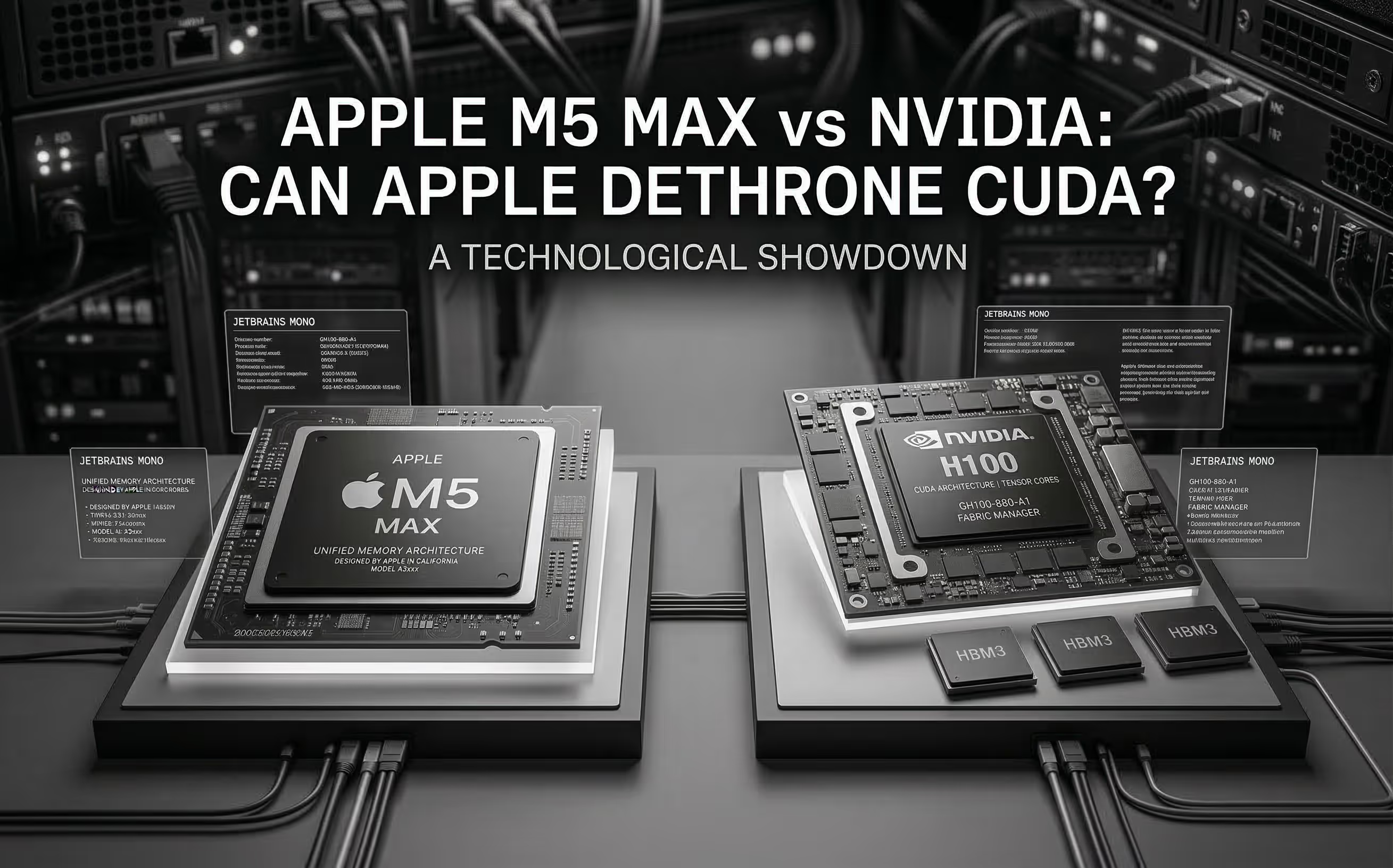
The M5 Max promises ~70 TFLOPS FP16 through dedicated Neural Accelerators and 128 GB unified memory at 614 GB/s. We analyze the architecture, benchmark Apple's claims, and compare head-to-head with NVIDIA for AI inference.
Cloud GPU pricing looks aggressive on paper. But hourly rates hide commitment traps, counterparty risk, and debt-funded subsidies that change the math entirely. Here is what your finance team should model before signing.