Rent vs Buy a Workstation: A Practical Decision Framework
Renting versus buying a workstation is not a financial preference decision. It is a workload decision. This guide breaks down how project-based compute, utilization patterns, maintenance overhead, and on-premise access affect whether renting or owning makes sense for VFX, AI, and other performance-driven teams.
Introduction
How workload shape drives the rent vs buy decision
The decision to rent or buy a workstation is rarely about preference. It comes down to workload shape. Some teams operate with consistent, predictable compute needs. Others scale aggressively for a project and then return to baseline. The economics of renting or buying hinge on a single question: is compute demand steady over time, or does it spike for specific projects? This pattern is common across VFX and post-production, where productions ramp crews for defined timelines and then scale back. It appears just as clearly in AI and machine learning, where teams may need significant computing power to train, test, or adjust a model for a limited period. Before comparing upfront costs or monthly payments, it is worth asking a simpler question. Is this workload continuous, or is it project-based?
When buying a workstation makes sense
What steady usage actually changes
Buying a workstation makes sense when compute demand remains consistent throughout the year. Ownership works best when systems run regularly and performance requirements are unlikely to change significantly over the system's useful life. Teams that execute the same workloads every day, with little variation, can often justify purchasing equipment outright.
The hidden operational commitment
Ownership also brings an ongoing support obligation. This includes maintenance and repairs, troubleshooting, firmware updates, and refresh planning. Even high-quality systems require attention over a three to five year lifecycle. Downtime risk is part of this equation. When a system fails mid-project, internal teams absorb the impact through lost productivity and missed deadlines. Organizations with dedicated IT staff, predictable workloads, and long planning horizons often benefit from ownership. In these environments, high utilization keeps hardware productive and idle time low. These conditions are far more common in steady-state operations than in project-driven production or research teams.
When renting a workstation makes sense
Matching hardware to temporary demand
Renting becomes compelling when demand is temporary, variable, or difficult to forecast. In VFX, this often means scaling a team for a feature, episodic series, or commercial push. In AI and machine learning, it frequently means accessing high-end GPU systems to train or fine-tune a model for a limited period. Renting allows teams to access performance when they need it, without committing to long-term ownership. For a detailed walkthrough, see how Skorppio's rental process works. It avoids large upfront costs and limits exposure to hardware that may be underutilized once a project ends.
Reducing risk while staying flexible
Renting also shifts responsibility for maintenance and repairs away from internal teams. For many organizations, the primary advantage is risk control and cash flow flexibility. Hardware requirements evolve quickly—as illustrated in our RTX 5090 vs RTX PRO 6000 Blackwell comparison—and renting prevents teams from locking into configurations that no longer fit the workload months later. [Image: VFX and AI workstation scaling example] Alt: scaling workstations for VFX and AI projects
The true cost of ownership beyond the purchase price
Lifecycle costs that are easy to overlook
The purchase price of a workstation is only the starting point. Ownership includes depreciation, support contracts, replacement parts, power usage, physical space, insurance, and internal labor. Over time, these costs accumulate and are often underestimated. Capital tied up in equipment also affects flexibility. Funds allocated to hardware cannot be used for staffing, production, or research.
Refresh cycles and performance mismatch
Refresh timing introduces another challenge. Hardware frequently reaches the end of its useful performance before it reaches the end of its accounting life. For project-based teams, this mismatch matters as much as the initial cost. These factors do not make ownership the wrong choice, but they do mean the decision should account for the full lifecycle, not just the purchase.
Project-based compute in practice for VFX and AI
Production peaks and rapid scale-up
Project-based compute looks different across disciplines, but the pattern is consistent. A VFX studio may require additional workstations for a defined production window. Once delivery is complete, demand drops sharply.
Training, iteration, and short-lived intensity
An AI team may need dense GPU compute—such as an RTX PRO 6000 workstation—to train or fine-tune a model. After that phase, workloads often shift toward lighter experimentation or inference. In both cases, peak demand is real but temporary. Renting allows teams to align hardware availability with that peak without carrying excess capacity long term. As workloads become more specialized and hardware cycles shorten, this approach continues to gain traction.
Physical, on-premise access without ownership
Dedicated bare-metal systems
Workstation rental provides physical, on-premise access to hardware. For teams working with large datasets or sensitive material, on-site systems matter. Local compute reduces data movement, latency, and operational friction. For a deeper comparison, see Cloud vs On-Premise: Why On-Premise Still Matters. Renting does not rely on virtualization or shared infrastructure. Systems arrive as bare metal and remain dedicated to a single project or team.
Preserving data control and workflow integrity
This model fits AI teams training models locally and production environments where data control is critical. Teams retain physical control of the hardware for the duration of the rental, without committing to long-term ownership. [Image: On-premise bare metal workstation deployment] Alt: on-premise bare metal workstation for temporary projects
A practical decision checklist
Before deciding whether to rent or buy a workstation, teams should consider:
- Is this workload continuous or project-based
- Will performance needs change within a year
- Do we have internal resources for maintenance and repairs
- How often will this system run at full capacity
- What happens to the equipment when the project ends
- Is preserving cash flow a priority
- Do we need physical, on-site compute for this work Clear answers to these questions usually point strongly in one direction.
How teams use rental as a bridge strategy
Validating demand before ownership
Many teams do not treat renting and buying as opposites. Rental often serves as a bridge strategy. Teams rent to validate performance, meet deadlines, or support a temporary surge. If demand stabilizes, purchasing equipment later becomes a more informed decision. Infrastructure choices align more closely with actual usage patterns.
Closing guidance
Ownership suits stable environments with predictable demand. Renting works best when workloads are temporary, evolving, or tied to specific projects. For teams deciding between renting or buying a workstation, alignment matters most. Infrastructure should reflect how work actually happens.
Ready to evaluate? Create a business account to explore pricing and availability, or contact our team for workload-specific guidance.
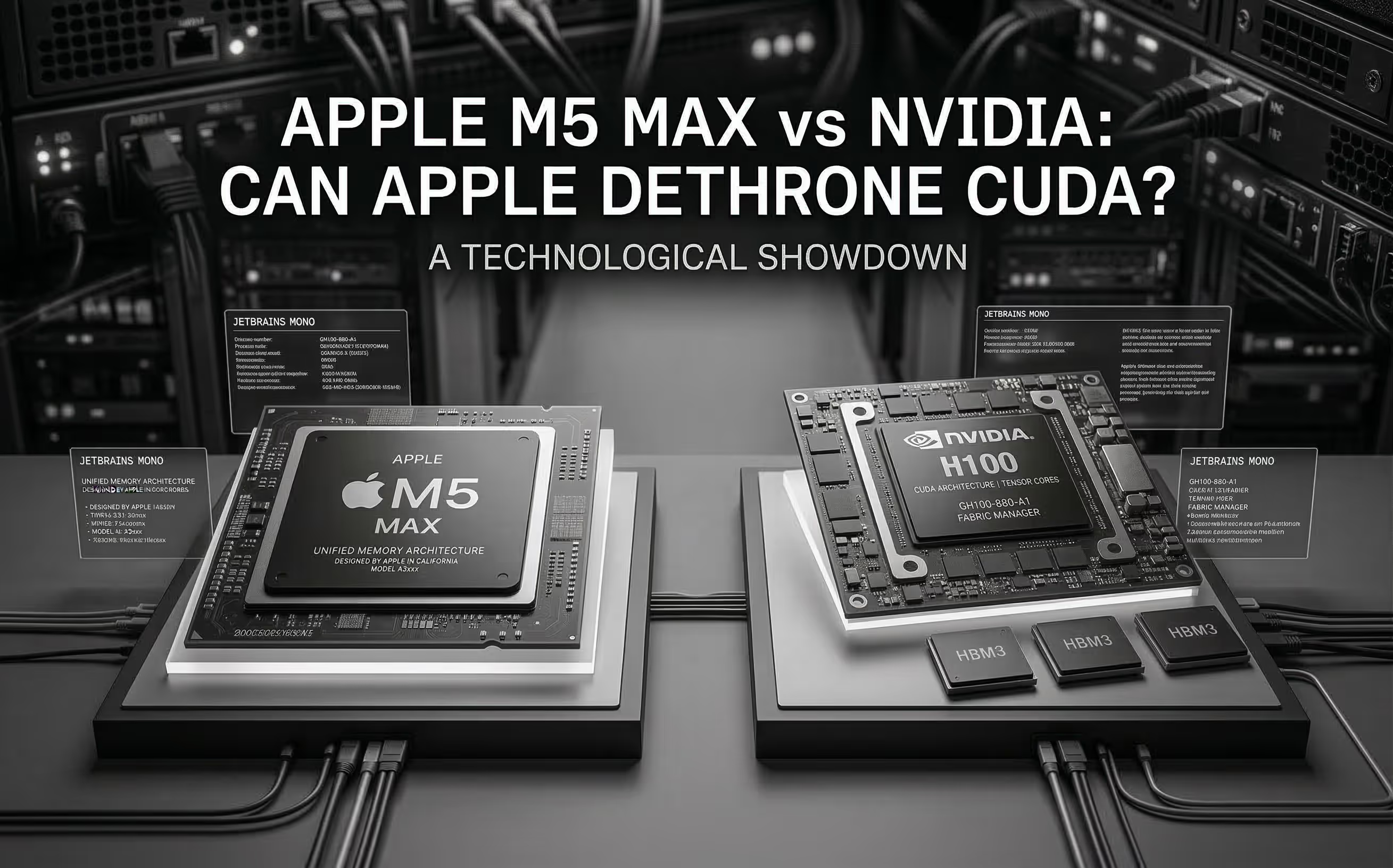
The M5 Max promises ~70 TFLOPS FP16 through dedicated Neural Accelerators and 128 GB unified memory at 614 GB/s. We analyze the architecture, benchmark Apple's claims, and compare head-to-head with NVIDIA for AI inference.
Cloud GPU pricing looks aggressive on paper. But hourly rates hide commitment traps, counterparty risk, and debt-funded subsidies that change the math entirely. Here is what your finance team should model before signing.