Why Universities Rent Workstations for AI Labs and CS Classrooms
GPU workstation labs cost $100K+ to build. Renting gives universities current-gen hardware with no capital purchase, no depreciation, and flexible terms that follow the academic calendar.

The Budget Problem Every CS Department Knows
A single GPU workstation with an NVIDIA RTX 4090 costs $5,000 to $8,000. Scale that to a 20-seat AI lab and the price tag hits $100,000 to $160,000, before maintenance, before upgrades, before the inevitable moment two years later when the hardware can't keep up with the models your students need to run.
Computer science departments, film schools, and research labs share the same problem: the hardware they need evolves faster than their budget cycles. By the time a purchase order clears, the specs have shifted. By the time the machines are deployed, the next generation is already shipping.
Universities that rent workstations instead of buying them sidestep this cycle entirely. And the financial case is stronger than most administrators expect.
What University Labs Actually Need (And Why Consumer Hardware Falls Short)
Academic workloads aren't consumer workloads. A university AI lab running PyTorch training jobs, a film school rendering in DaVinci Resolve, or a research group processing genomic datasets all share requirements that consumer-grade machines can't meet reliably:
VRAM capacity. Large language model fine-tuning requires 24GB+ VRAM per GPU. Consumer cards like the RTX 4070 top out at 12GB. Even the RTX 4090's 24GB hits limits with multi-billion parameter models.
ECC memory. Scientific computing and multi-day training runs require error-correcting memory to prevent silent data corruption. Consumer motherboards don't support it.
Multi-GPU scaling. Distributed training across 2 or 4 GPUs is standard for graduate-level AI research. Consumer platforms don't support multi-GPU configurations reliably. Use Skorppio's VRAM Calculator to right-size GPU memory for your lab's specific workloads.
Sustained thermal performance. A workstation running a 72-hour training job needs cooling designed for continuous operation, not the burst-then-throttle behavior of consumer desktops.
Professional workstations from manufacturers like HP, Dell, and Lenovo meet these requirements. They also cost $10,000 to $50,000 per unit, and depreciate on a curve that makes CFOs uncomfortable.
Rent vs. Buy: The University Math
Higher education procurement follows a pattern that works well for buildings and furniture but poorly for technology: large capital purchases amortized over 5 to 7 years.
GPU hardware becomes functionally obsolete in 2 to 3 years for cutting-edge AI work. A workstation purchased in 2024 with an RTX 4090 is already struggling with models optimized for Blackwell architecture GPUs shipping in 2026.
Rental restructures the economics:
Capital becomes operating expense. Instead of a $200,000 lab buildout hitting the capital budget, monthly rental payments come from operating funds, which are typically easier to allocate and adjust.
Refresh is built in. When a rental term ends, you return the hardware and get current-generation equipment. No disposal, no auction, no e-waste compliance paperwork.
Scaling is immediate. Need 10 additional workstations for a summer research program? Rent them for the term. Return them in September. You're not storing $150,000 in hardware that sits idle for 9 months.
For a deeper analysis of when buying makes sense versus when renting wins, explore our rent vs. buy framework built specifically for high-performance compute decisions.
Use Case: AI and Machine Learning Labs
Graduate AI programs have a hardware scaling problem that didn't exist five years ago. The models students need to train have grown from millions to billions of parameters. The compute required has increased by orders of magnitude.
A typical university AI lab in 2026 needs:
Fine-tuning LLMs: 48GB+ VRAM per node (dual RTX PRO 6000 or equivalent). A single fine-tuning run on a 7B parameter model can take 8 to 24 hours depending on dataset size and methodology.
Computer vision research: Multi-GPU workstations with fast local storage for large image datasets. Training a custom object detection model on a dataset of 100,000+ images requires sustained GPU throughput that cloud instances often can't deliver consistently.
Reinforcement learning: CPU+GPU hybrid workloads where environment simulation runs on CPU cores while policy training runs on GPUs. This requires workstations with balanced CPU and GPU configurations, not GPU-only cloud instances.
Renting workstations with 2x or 4x professional GPUs, configured for multi-node distributed training, lets departments scale to cohort size without over-provisioning. The Scientific Compute Kit bundles exactly this configuration for research environments.
Use Case: Film and Media Production Programs
Film schools face a different version of the same problem. DaVinci Resolve, Nuke, Houdini, and Unreal Engine all require professional GPUs with large VRAM pools, fast storage for 4K and 8K footage, and the kind of sustained rendering performance that consumer hardware can't deliver.
A single student project in a VFX compositing course might involve:
4K timeline editing with multiple color-graded layers: 16GB+ VRAM recommended
3D rendering for virtual production courses: Requires RTX-class GPUs with hardware ray tracing
Real-time Unreal Engine scenes for interactive media programs: 24GB+ VRAM for complex scenes with Nanite and Lumen
Purchasing 15 workstations capable of handling this at $12,000+ each is a $180,000 commitment that locks the program into specific hardware for years. Renting lets the program upgrade semester by semester as software requirements evolve.
Use Case: Research Computing Beyond AI
Not every university compute need involves neural networks. Departments across the sciences have GPU-accelerated workloads that require dedicated hardware:
Computational chemistry and molecular dynamics: Tools like GROMACS and AMBER leverage GPU acceleration for simulations that would take weeks on CPU alone.
Genomics and bioinformatics: GPU-accelerated tools like NVIDIA's Parabricks can process a whole genome in under an hour, compared to 24+ hours on CPU.
Engineering simulation: ANSYS, COMSOL, and other FEA/CFD tools increasingly support GPU acceleration for large-scale simulations.
These departments often have grant-funded projects with specific timelines. Renting hardware for the duration of a funded project, rather than purchasing equipment that outlives the grant's useful compute window, aligns spend with funding.
The Procurement Advantage: Why IT Directors Prefer Rental
Beyond the financial case, rental solves operational problems that university IT departments deal with constantly:
No asset management overhead. Purchased workstations need asset tags, insurance, depreciation tracking, maintenance contracts, and eventual disposal. Rentals are the provider's problem.
Predictable budgeting. A fixed monthly or semester rental rate is easier to budget than a lumpy capital purchase followed by unpredictable maintenance costs.
Warranty and support included. If a rented workstation fails, the rental provider replaces it. No RMA process, no waiting for parts, no downtime during finals week.
Compliance simplification. For institutions handling research data subject to ITAR, HIPAA, or export controls, on-premise rental hardware provides physical data control without the governance complexity of cloud environments.
How It Works in Practice
A typical university rental engagement follows this pattern:
1. Needs assessment. The department defines workload requirements: GPU count, VRAM, storage, and the number of seats needed.
2. Configuration. The rental provider configures workstations to spec. For AI labs, this might be dual RTX PRO 6000 workstations. For film programs, it might be single-GPU workstations with high-speed NVMe storage for media editing.
3. Deployment. Hardware ships pre-configured and ready to deploy. Most providers offer rack-ready server configurations for centralized lab setups or individual workstations for distributed use.
4. Term flexibility. Rental terms typically range from one week to twelve months, with options to extend, upgrade, or return based on changing needs.
5. Return and refresh. At term end, hardware is returned and the next cycle begins with current-generation equipment.
Explore Skorppio's full rental process walkthrough to see how deployment works step by step.
What to Look for in a Rental Provider
Not all rental providers serve academic institutions well. Key differentiators:
Professional-grade hardware. Consumer GPUs in workstation cases don't count. Look for NVIDIA RTX PRO (formerly Quadro) or datacenter GPUs with ECC VRAM and certified driver support.
Flexible terms. Academic calendars don't follow standard lease structures. A provider that requires 12-month minimums doesn't fit a summer research program.
Pre-configured deployment. Faculty shouldn't be building machines. Hardware should arrive ready to power on with the required software stack.
Scalability. The provider should be able to handle single-workstation requests and 50-seat lab deployments with equal reliability.
Support quality. When a machine goes down during a thesis deadline, response time matters. Evaluate the provider's SLA and support infrastructure before committing.
The Bottom Line for University Decision-Makers
The case for renting workstations in academic environments comes down to three truths:
1. Technology cycles are faster than procurement cycles. Buying hardware locks you into a depreciating asset. Renting lets you track the state of the art.
2. Academic demand is cyclical. Semester-based utilization patterns mean purchased hardware sits idle for months. Rental terms can match actual usage periods.
3. Operating expense is more flexible than capital expense. OpEx funding is easier to allocate, adjust, and justify than a six-figure capital purchase that appears on the balance sheet for years.
For departments running AI research, creative production, or scientific computing, the question isn't whether the hardware is worth owning. It's whether owning it is worth the cost of owning it.
Skorppio provides high-performance workstations, servers, and laptops for rent to universities, research institutions, and enterprise teams. Flexible terms from one week to twelve months. Professional-grade hardware. No long-term commitments. Contact us to discuss your department's needs.
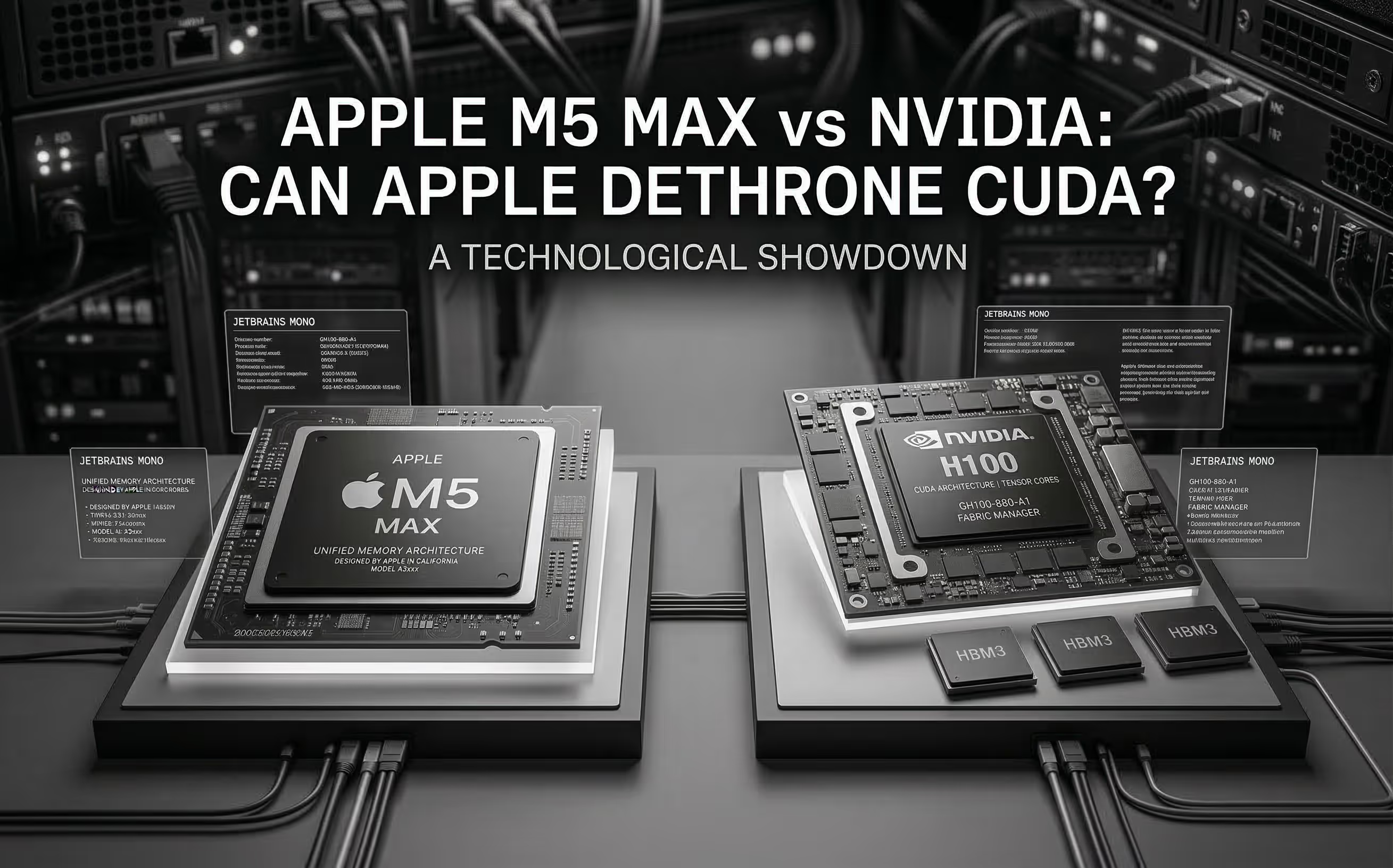
The M5 Max promises ~70 TFLOPS FP16 through dedicated Neural Accelerators and 128 GB unified memory at 614 GB/s. We analyze the architecture, benchmark Apple's claims, and compare head-to-head with NVIDIA for AI inference.
Cloud GPU pricing looks aggressive on paper. But hourly rates hide commitment traps, counterparty risk, and debt-funded subsidies that change the math entirely. Here is what your finance team should model before signing.