
ArchViz Walkthrough Kit
Deliver smooth realtime walkthroughs and client reviews on site without relying on venue infrastructure or underpowered laptops. Includes: high VRAM GPU workstation, 1 to 2 portable color accurate displays, compact router or small Ethernet switch, display cables and adapters, input peripherals, power surge protection, rugged transport.
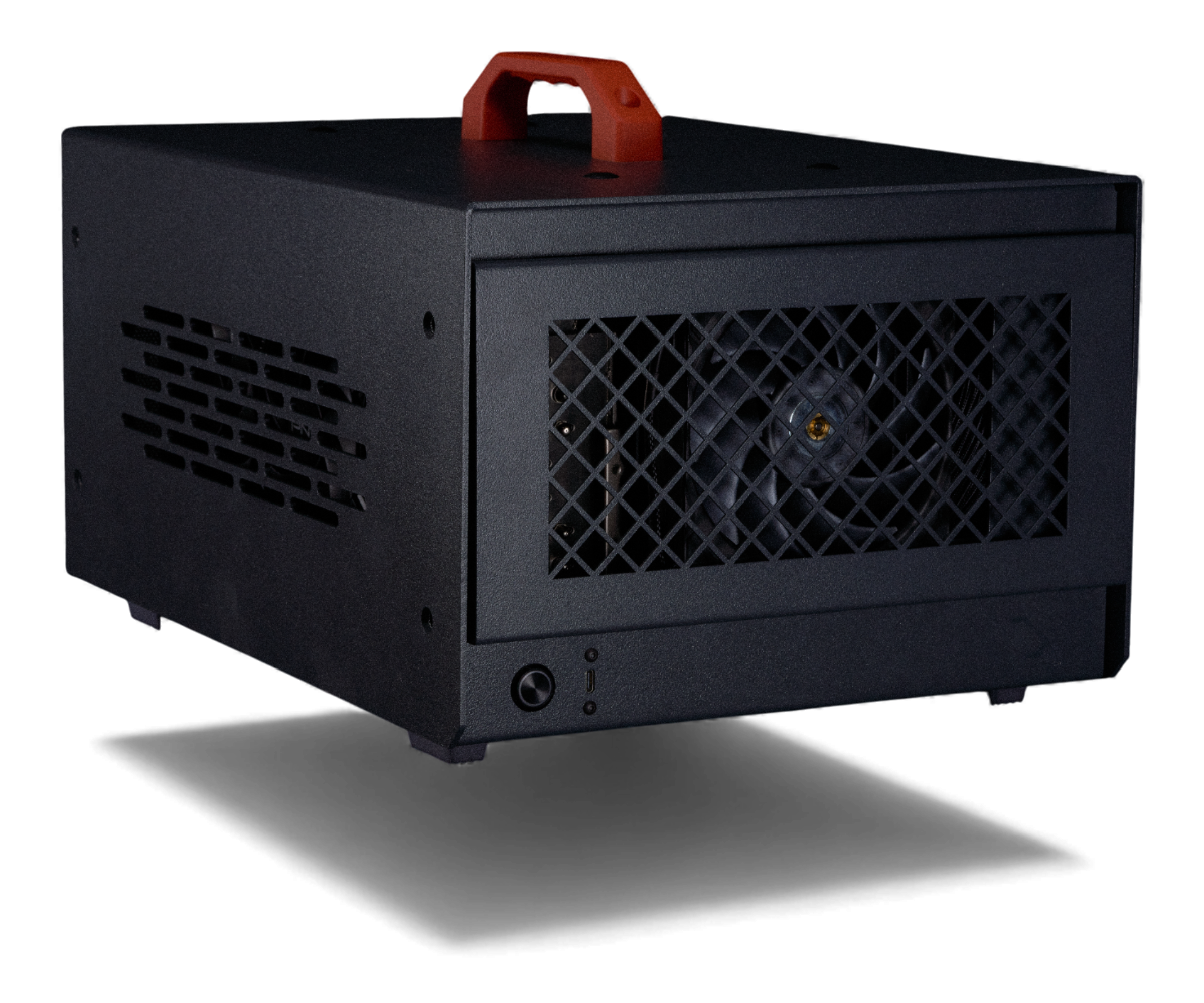

Complete Rental Workstation: Pre-Configured, Shipped & Ready to Deploy
Every Skorppio rental kit ships pre-configured with enterprise hardware, peripherals, and accessories — so your team can plug in and perform from day one.
Workstation with high-VRAM GPU for smooth real-time Unreal Engine walkthroughs and client-facing reviews.
Compact, color-accurate displays for on-site client presentations and design review sessions.
Small-form-factor router or switch for local connectivity without relying on venue infrastructure.
HDMI/DP cables, adapters, keyboard, and mouse for a complete plug-and-present setup.
Surge-protected power delivery and rugged travel cases for safe transit to client sites.
Start Your Rental: Quote, Configure & Deploy in Days
Tell us what you need and we’ll build it. Custom configurations available.
RENT THIS KIT

Use Cases
Rental Workstations for Every Professional Need
Purpose-built for the workflows that matter most to your team.
3D Rendering & Animation
Render complex scenes, build photorealistic environments, and animate at production scale with GPU-accelerated workstations built for creative 3D pipelines.
Blender · Cinema 4D · Houdini · Maya · Unreal Engine · V-Ray · Redshift
Game Development
Build, test, and iterate on game projects locally with workstations optimized for real-time engines, large asset pipelines, and GPU-intensive shader compilation.
Unreal Engine · Unity · Godot · Blender · Substance Painter · Perforce · Wwise
ArchViz & Real-Time Walkthroughs
Present photorealistic architectural visualizations and interactive walkthroughs on-site with high-VRAM workstations built for real-time rendering and client review sessions.
Unreal Engine · Twinmotion · Enscape · Lumion · D5 Render · 3ds Max · V-Ray

Enterprise-Grade Rental Hardware: Specs & Reliability
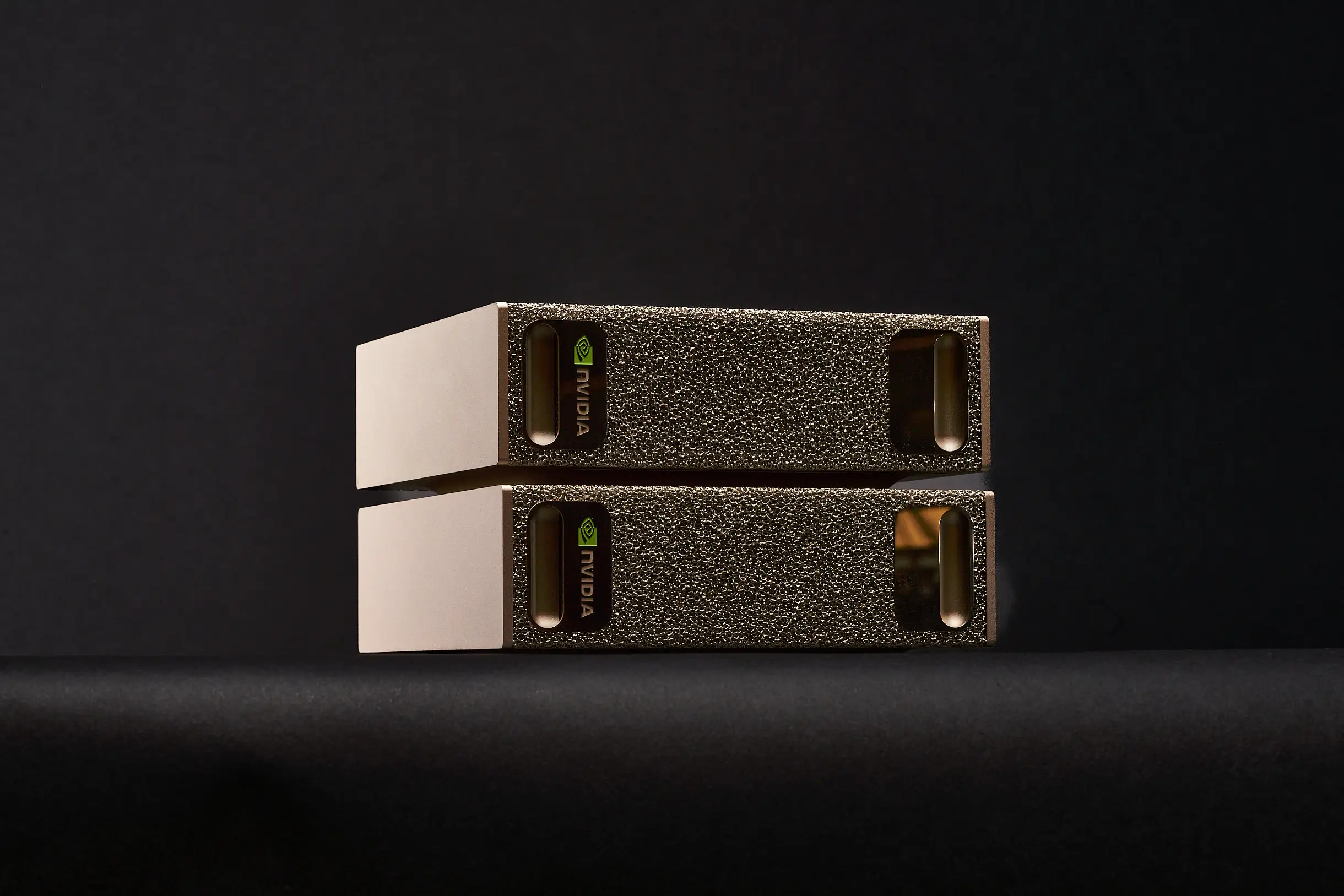
Thunderbolt 4 and 10GbE connectivity ensure maximum throughput for demanding production pipelines.
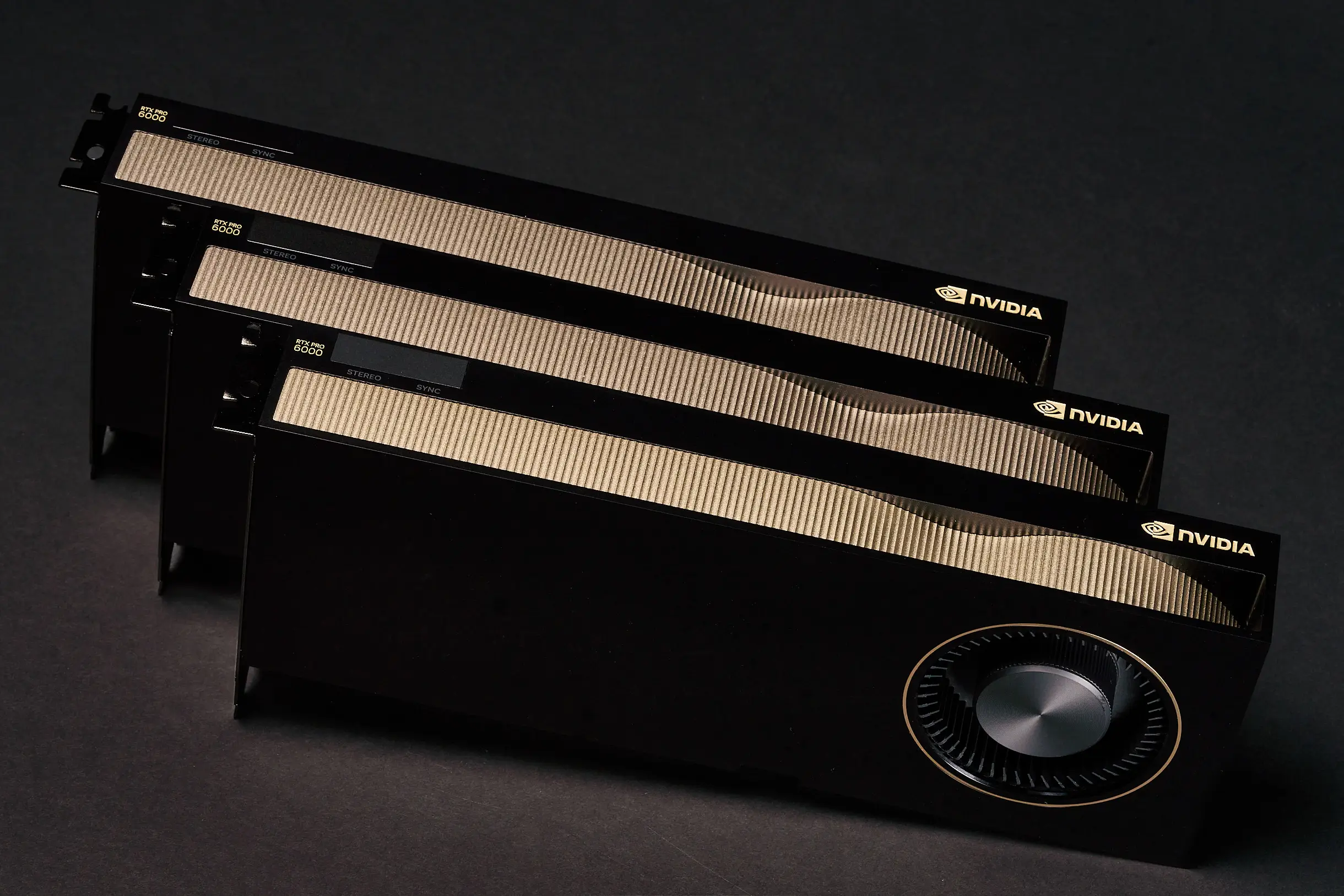
Enterprise-grade components rated for 24/7 operation with redundant power delivery and active thermal management.
Trusted by leading teams in AI, VFX, and innovation









How It Works
How Rental Works: From Quote to Deployment in 3 Steps
Step 01
Request a Quote
Tell us about your project requirements, timeline, and team size. We'll recommend the right kit configuration for your workload.
Step 02
We Configure & Ship
Your kit is assembled, tested, and pre-configured with your software stack. We handle logistics and deliver directly to your site.
Step 03
Plug In & Produce
Unbox, connect, and start working. Enterprise-grade support is included for the duration of your rental with same-day response times.
Questions? Answers.
Frequently Asked Questions
How much VRAM do I need to fine-tune a large language model?
The amount of VRAM you need depends on the model size, precision format, and fine-tuning method. Full fine-tuning of a 70B-parameter model in FP16 can require 140 GB or more of VRAM, while techniques like LoRA and QLoRA significantly reduce that footprint — sometimes to under 48 GB.
For multi-GPU setups, frameworks like DeepSpeed ZeRO and FSDP allow you to shard model states across GPUs, distributing memory requirements efficiently.
Skorppio workstations come equipped with up to 384 GB of VRAM (4× A6000) or 768 GB (8× A6000) in server configurations, giving you room to fine-tune the largest open models without compromise.
How quickly can I get hardware?
Most Skorppio systems ship within 48 hours of order confirmation, and some configurations are available for next-day delivery depending on your location and inventory. We maintain ready-to-ship inventory specifically for AI and ML workloads so you’re not waiting weeks for provisioning.
Can I run PyTorch, Hugging Face, and CUDA without modification?
Yes. Every Skorppio workstation and server ships with the full CUDA toolkit, compatible NVIDIA drivers, and a clean Ubuntu environment ready for your stack. PyTorch, Hugging Face Transformers, JAX, TensorFlow — all run natively. You get full root access, so you can install and configure anything you need without restrictions.
What is the minimum rental period?
Our minimum rental period is one week. Monthly rentals are available at a reduced rate, and we offer flexible terms for longer engagements. Whether you need a system for a sprint, a quarter, or an ongoing project, we’ll match the term to your timeline.
How does multi-GPU distributed fine-tuning work on PCIe?
Skorppio’s multi-GPU workstations use PCIe 5.0 x16 lanes, delivering up to 128 GB/s of bidirectional bandwidth per GPU. For distributed fine-tuning, frameworks like PyTorch DDP, FSDP, and DeepSpeed handle gradient synchronization and model sharding efficiently over PCIe — no NVLink required for most workloads.
PCIe-based systems are ideal for data-parallel training, LoRA/QLoRA fine-tuning, and inference pipelines where each GPU processes independently or shares lightweight updates. You get the multi-GPU benefit without the premium of NVLink for workloads that don’t require ultra-high inter-GPU bandwidth.


Browse More Rental Workstations & Systems
Browse our full lineup of pre-configured rental workstations. Each system ships ready to deploy with enterprise-grade support included.

GPU COMPUTE KIT
Multi-GPU workstations pre-configured for deep learning, model training, and inference workloads.
VFX WORKSTATION KIT
High-performance render nodes and creative workstations for visual effects pipelines.
EVENT LAPTOP FLEET KIT
Fleet-ready laptop deployments for conferences, trade shows, and corporate events.