Designing a Post-Production Workstation Architecture for Sustained Scale
Why high-end post-production workstations slow down under real workloads. A hardware-focused analysis of GPU memory behavior, PCIe topology, CPU cache limits, ECC memory, IO latency, and thermal constraints that define sustained performance at scale.

The 99% Render Trap
There is no frustration quite like it. You are simulating a complex fluid sequence or rendering a 4K Redshift scene. The timeline hits 99%. The fans are spinning at max RPM. And then—Silence. The application closes. The machine reboots. Or worse, the render finishes, but the frames are corrupted with artifacts. For many VFX and production studios, the immediate reaction is to blame the software or add more cooling. But in high-end production environments, the culprit is often the hardware itself. Most "Pro" workstations are actually just "Consumer" gaming PCs in a tuxedo. They are built for burst speed, not sustained, error-free throughput. This guide breaks down the architectural flaws that cause production failures and how to engineer around them.
1. The GPU Trap: Consumer Power vs. Enterprise Precision
The most common mistake small studios make is chasing raw CUDA core counts without looking at the architecture surrounding them. On paper, a top-tier consumer card (see our full comparison) (like the RTX 5090) looks faster and cheaper than an Enterprise card (like the RTX 6000 Ada). But "Fast" does not mean "Correct."
The Silent Killer: ECC Memory
In a gaming scenario, a single bit-flip in the VRAM might cause a texture to pop for a millisecond. You won't even notice. In a 40-hour render, that same bit-flip can crash the entire application or corrupt a simulation cache file, forcing you to restart from zero.
- Consumer GPUs (GeForce RTX 5090): Rarely enable Error Correction Code (ECC) memory by default. If they do, it is often a "soft" implementation that compromises performance.
- Enterprise GPUs (RTX PRO 6000 Blackwell): Use dedicated hardware ECC. They actively detect and correct memory errors in real-time before they can crash the system. Read our deep dive: ECC vs Non-ECC Memory and Silent Render Failures
Drivers & Duty Cycle
Beyond memory, there is the issue of driver validation. Consumer cards run on "Game Ready" drivers. These prioritize frame rates in games, not stability in Houdini or Nuke. Enterprise cards use ISV-certified drivers explicitly tested for 24/7 stability in professional suites. Furthermore, a consumer card is designed for intermittent load (gaming for a few hours). Enterprise cards are rated for 24/7 operation at 100% duty cycle. We do not gamble client deadlines on consumer drivers.
2. The Bottleneck You Can't See: PCIe Topology
You bought the fastest GPUs. You bought the fastest NVMe drives. Why is the viewport still lagging? The answer usually lies in the motherboard. Consumer platforms (Intel Core / AMD Ryzen) offer a limited number of CPU-Direct PCIe Lanes (usually 20-24). If you plug in two GPUs (x16 each) and an NVMe drive (x4), you have already exceeded the CPU's limit. The motherboard forces the hardware to share bandwidth through a PLX Switch or the chipset.
The Consequence
Your GPUs are starving. In a heavy render, data cannot move from storage to VRAM fast enough. The GPUs sit idle, waiting for geometry.
The Fix
True production nodes must use AMD Threadripper Pro or EPYC platforms. These provide 128+ direct PCIe lanes, ensuring every GPU and storage controller has a dedicated, unblocked highway to the CPU. For more on multi-GPU scaling, see our Max-Q GPU architecture analysis.
3. Thermal Equilibrium: The "5-Minute Hero"
A workstation that benchmarks well is not the same as a workstation that renders well. Most consumer hardware is built to boost high for 5 minutes and then throttle down to protect itself.
The GPU Heat Soak
"Open Air" cooler designs (common on gaming cards) dump heat inside the case. If you stack 3 of these cards, they recycle each other's hot air. The top card will thermal throttle, dragging the whole render down.
The Storage Throttling
Standard NVMe drives begin to throttle performance at roughly 70°C. Heavy caching hits this limit in minutes. In a render farm scenario, this looks like a sudden drop in throughput. The Skorppio Approach: We utilize Solidigm Enterprise storage and server-chassis airflow designs that force fresh air through the components, maintaining steady-state performance indefinitely.
The Solution: Don't Build. Don't Upload. Just Rent.
You have two ways to solve these engineering problems:
Option A: Build It Yourself (The Money Pit)
You can source Threadripper Pros, Enterprise NVMe, and server-grade chassis. The upfront CAPEX is massive ($15k - $40k per node, see our Rent vs Buy Decision Framework), and when a PSU blows or a driver conflicts, your Lead Compositor becomes an IT technician.
Option B: Rent the Architecture
Skorppio allows studios to bypass the "Consumer Hardware Trap" entirely. See how our rental process works. We provide On-Premise, Bare Metal Nodes that are pre-engineered to solve the ECC, PCIe, and Thermal issues described above.
- No Latency: The node lives on your LAN. No uploading to a remote render farm.
- No CapEx: Get an 8x GPU cluster for a flat monthly rate.
- Zero "Game Ready" Drivers: Only certified, stable, Enterprise stacks.
Stop debugging your hardware. Start rendering your art. Create a business account to explore configurations, or contact our team for architecture guidance.
View Our Ultra GPU Workstation | View Our Rack Pro Workstation
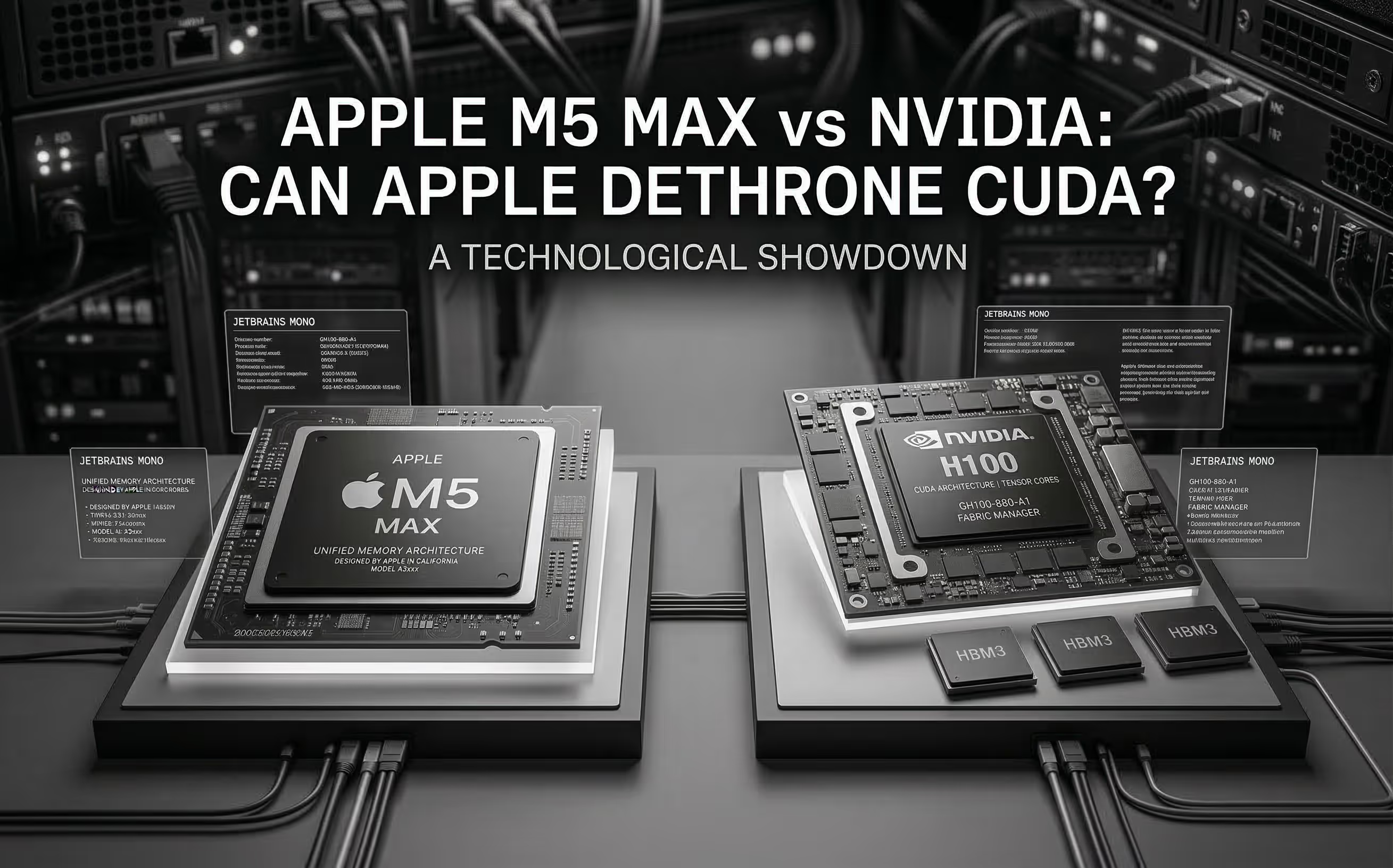
The M5 Max promises ~70 TFLOPS FP16 through dedicated Neural Accelerators and 128 GB unified memory at 614 GB/s. We analyze the architecture, benchmark Apple's claims, and compare head-to-head with NVIDIA for AI inference.
Cloud GPU pricing looks aggressive on paper. But hourly rates hide commitment traps, counterparty risk, and debt-funded subsidies that change the math entirely. Here is what your finance team should model before signing.