Cloud Scale Is Unmatched. Here’s Why On-Premise Still Matters
Cloud platforms offer unmatched scale, but many VFX and AI workflows benefit from on-premise, bare-metal compute for determinism, data locality, and faster iteration cycles.
.webp)
Cloud scale is unmatched and that matters
Cloud platforms operate at a scale that on-premise systems cannot match. Hyperscalers can deliver extreme concurrency on demand. That scale is real. A local workstation or a small cluster cannot beat it. This article is not trying to claim that.
What this article is actually about
The real decision is workload fit. Some work wants burst scale. Other work wants stable, single tenant performance. This is a practical guide to cloud computing vs on premise for VFX and AI teams.
Quick definitions
On-premise does not mean small
On-premise means the hardware is dedicated to you and runs in your facility. It can be one workstation, a rack, or a room.
A render farm is a workflow model
A render farm is how jobs are executed. It is not a location. A cloud render farm uses cloud platforms. An on premise render farm uses local hardware. A local render farm is often built around predictable storage and scheduling.
Where cloud platforms excel
Cloud platforms are best for burst throughput. They shine when work can be split into many tasks and finished fast.
Common wins
- Massive concurrency for short windows
- Fast spin up for deadline spikes
- Easy access to specialized GPU compute
- Simple expansion without buying hardware If you need thousands of nodes for a week, cloud vs on premise computing is not a debate. Cloud wins.
Where cloud breaks down in real production
Production teams rarely optimize for peak speed. They optimize for predictable delivery.
The hidden issue is variance
Multi-tenant environments can create performance variance. Even if an instance is marketed as dedicated, the platform still schedules resources. This is the noisy neighbor problem.
Why that matters
- Schedules depend on repeatable throughput
- Debugging depends on reproducible behavior
- Artists and engineers depend on steady feedback loops This is why render farm alternatives are discussed so often in studios.
Virtualization overhead, in concrete terms
Virtualization is not automatically bad. It does add layers. Those layers can complicate troubleshooting.
What shows up in practice
- CPU scheduling can shift over time
- GPUs can be partitioned or shared
- PCIe bandwidth can become a constraint
- Storage I O can vary with platform load This is a technical reason that cloud vs local compute decisions are not only about raw speed.
Data locality and I O pressure
Data movement is the silent tax. VFX and AI pipelines reuse assets all day.
VFX pipeline behavior
A vfx render farm reads and writes textures, caches, plates, and geometry repeatedly.
AI pipeline behavior
Local ai development repeats dataset reads, checkpoint loads, and evaluation writes. In cloud environments, that can mean extra transfer time, storage latency, and egress. Those are hidden costs.
Cost is real, but it is not the only lever
Cost matters when usage is continuous. It matters even more when iteration is slowed by transfers and queues.
Cost terms you should model
- cloud gpu cost for steady usage
- Persistent storage and snapshots
- Data egress for review and delivery
- Idle time while waiting for queues or transfers This is where cloud vs on premise cost becomes a workflow question, not just a spreadsheet question.
AI workloads are not one thing
Teams use the word AI to describe very different patterns.
Separate the workload types
- Training at scale
- Fine tuning and experiments
- Inference and validation Large training can favor cloud scale. Fine tuning is often single node. Inference is often single node. Many of these cases map to gpu compute for ai on hardware you control. This is especially true for memory bound runs.
Render farm vs workstation
The choice is not only where the compute lives. It is also how the work is scheduled.
Typical split
- Workstation for interactive tasks
- Farm for queued tasks This split exists in both cloud and on-premise setups. A gpu render farm can be cloud based or local. The key difference is predictability, data locality, and control of the environment.
Decision matrix
Below is a short matrix you can use in planning.
| Workload scenario | Best fit | Why it fits | What usually breaks |
|---|---|---|---|
| Burst delivery window with huge parallelism | Cloud render farm | Elastic scale, rapid provisioning, extreme concurrency | Data transfer time, storage latency, cost volatility at scale |
| Daily iteration, interactive lookdev, repeated asset reuse | On premise render farm | Data locality, low latency I O, predictable throughput | Under-provisioning during crunch without a burst strategy |
| Single node AI experiments, fine tuning, debugging loops | Bare metal compute | Determinism, stable drivers, repeatable profiling | Lack of burst capacity when the job becomes parallel |
| Short-term peak needs with a known end date | GPU workstation rental | Solves temporal compute mismatch, keeps performance consistent | Logistics and power planning if the facility is not ready |
When on-premise is the better fit
On-premise favors steady workloads and tight feedback loops. It also favors environments that must remain stable.
Strong fits for temporary on premise compute
- Continuous daily rendering or simulation
- Interactive lookdev and lighting iteration
- Stable pipeline stacks with strict version control
- Data sensitive projects with contractual limits (see ECC vs Non-ECC Memory)
- Teams that need deterministic throughput A dedicated on premise gpu workstation—such as the RTX PRO 6000 Workstation or Ultra GPU Workstation—can remove a large class of unknowns.
When cloud is the better fit
Cloud is the right tool when you need burst scale and rapid expansion.
Strong fits
- Massive concurrency over short periods
- Sudden spikes in rendering or training demand
- Clear end dates with large batch execution
- Teams that do not want to run infrastructure This is why cloud platforms dominate extreme scale.
Rentals change the decision boundary
Most teams do not want to over buy hardware for short peaks. That is temporal compute mismatch.
Why gpu workstation rental matters
Rentals let you run bare metal compute for a project window. See how Skorppio's rental process works for details. You can return it when the peak ends. That makes on premise vs cloud computing a flexible decision instead of a permanent commitment. For a structured analysis, see our Rent vs Buy Decision Framework. It is also a practical path to validate performance in real pipeline conditions.
A realistic hybrid stance
Cloud scale is unmatched. That is a fact. But not every workload belongs there. A common pattern is a stable local base plus selective cloud bursts. This is a practical answer to ai compute vs cloud tradeoffs. It also maps well to modern VFX production.
How to choose, fast
Use these questions.
- Is the workload burst driven or continuous?
- Do you need massive concurrency or steady throughput?
- How often will data be reused?
- How sensitive is the work to performance variance?
- What is the gpu compute cost comparison after storage and egress?
- Does the work require a stable operating system and driver stack?
Bottom line
Cloud wins on scale. On-prem wins on determinism. Rentals make the boundary movable. The goal is not to replace cloud. The goal is to place the right workloads on the right infrastructure, at the right time. Need to evaluate on-premise compute? Create a business account to browse GPU workstation configurations, or contact our team for workload-specific guidance.
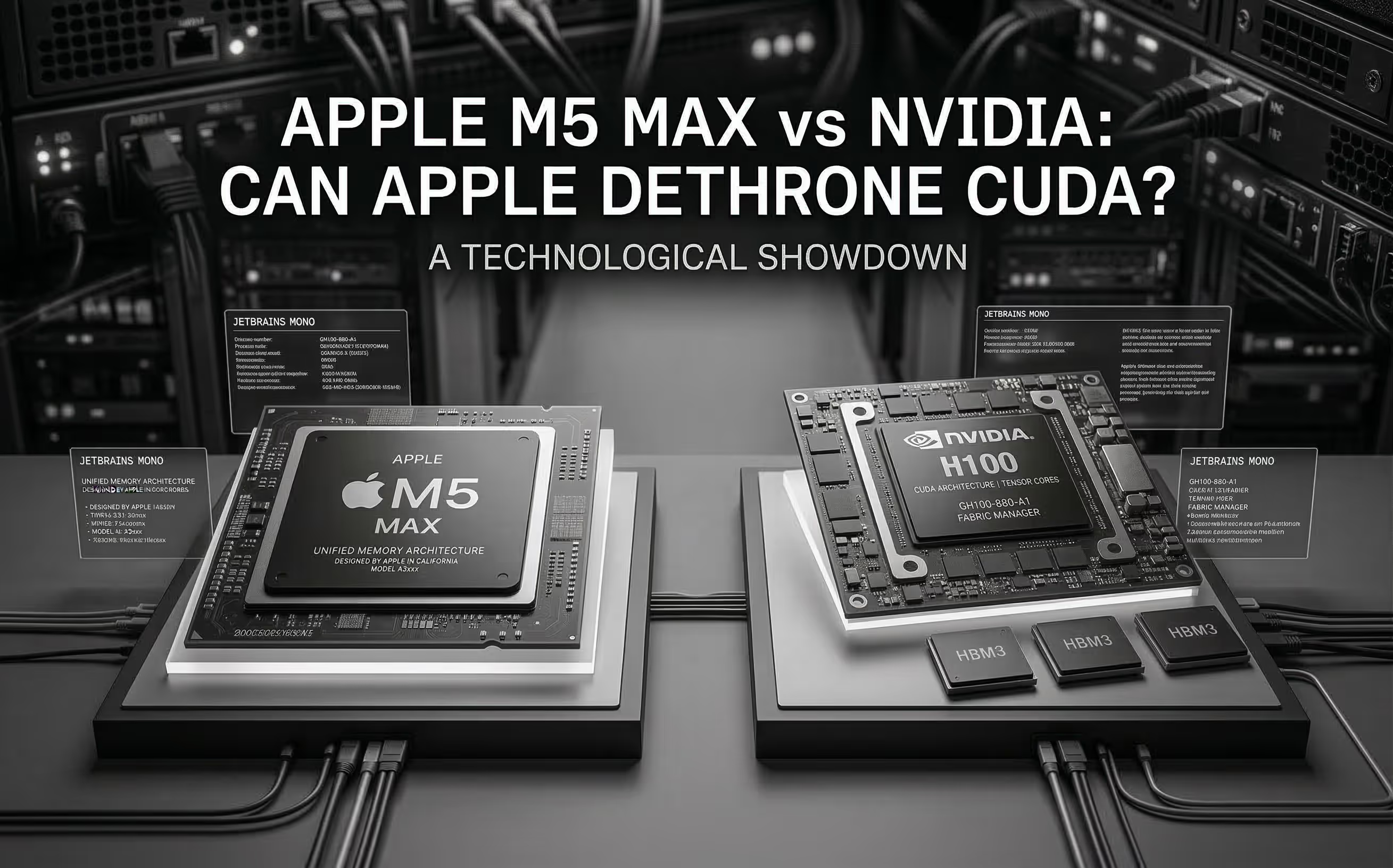
The M5 Max promises ~70 TFLOPS FP16 through dedicated Neural Accelerators and 128 GB unified memory at 614 GB/s. We analyze the architecture, benchmark Apple's claims, and compare head-to-head with NVIDIA for AI inference.

Cloud GPU pricing looks aggressive on paper. But hourly rates hide commitment traps, counterparty risk, and debt-funded subsidies that change the math entirely. Here is what your finance team should model before signing.